© 2017 Ropam Elektronik
5. Reset the device to factory settings
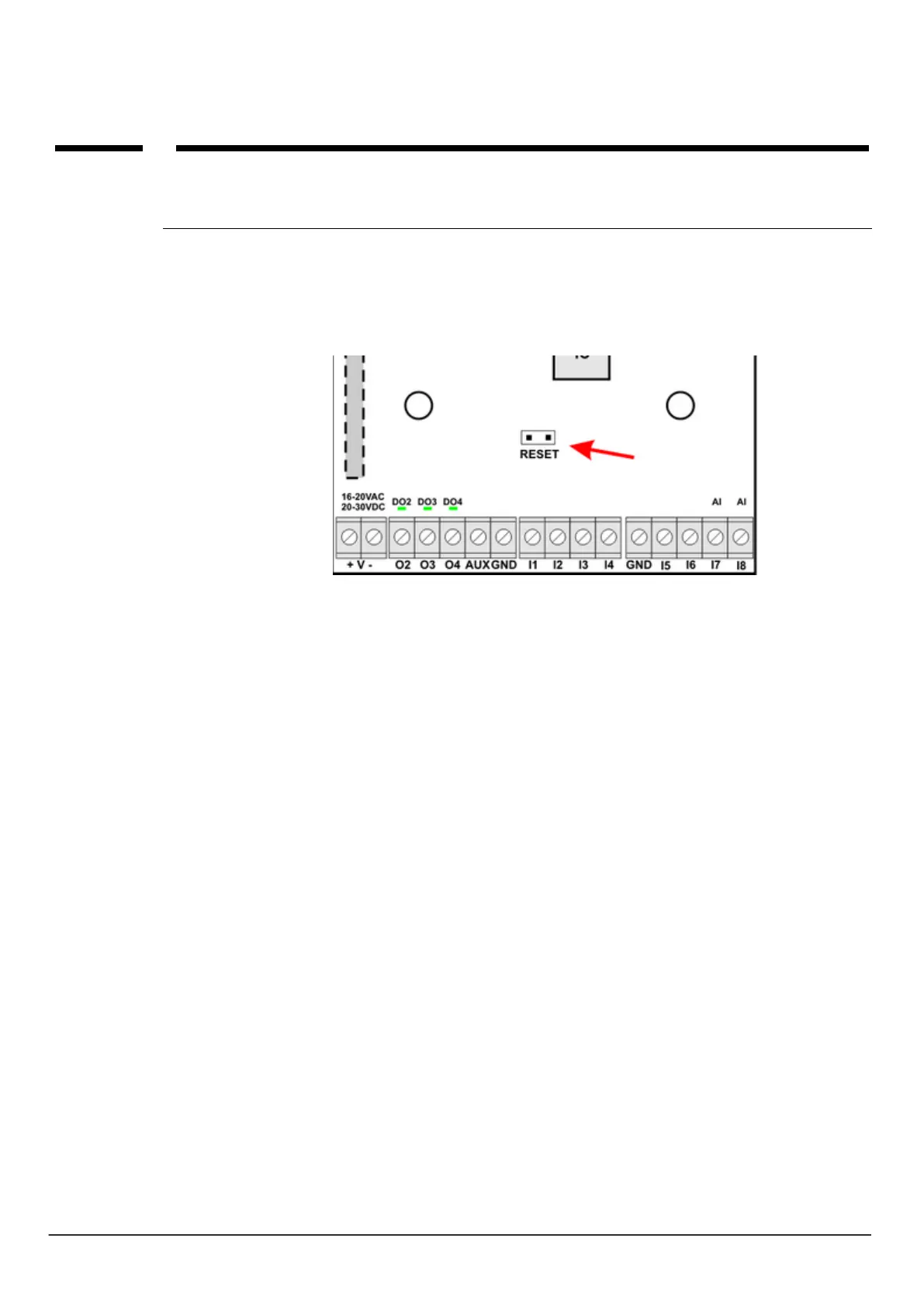
To restore the module's factory settings:
- turn off the module power,
- insert the jumper RESET:
- turn on the module power
- User Interface LED blink quickly 3 times
- remove the RESET jumper
- the module settings have been restored to factory settings



 To Next Page