3–6 XPression Connect User Guide (10.5)
Inception, MassRelevance, Arktan, Never.No, & Wayin
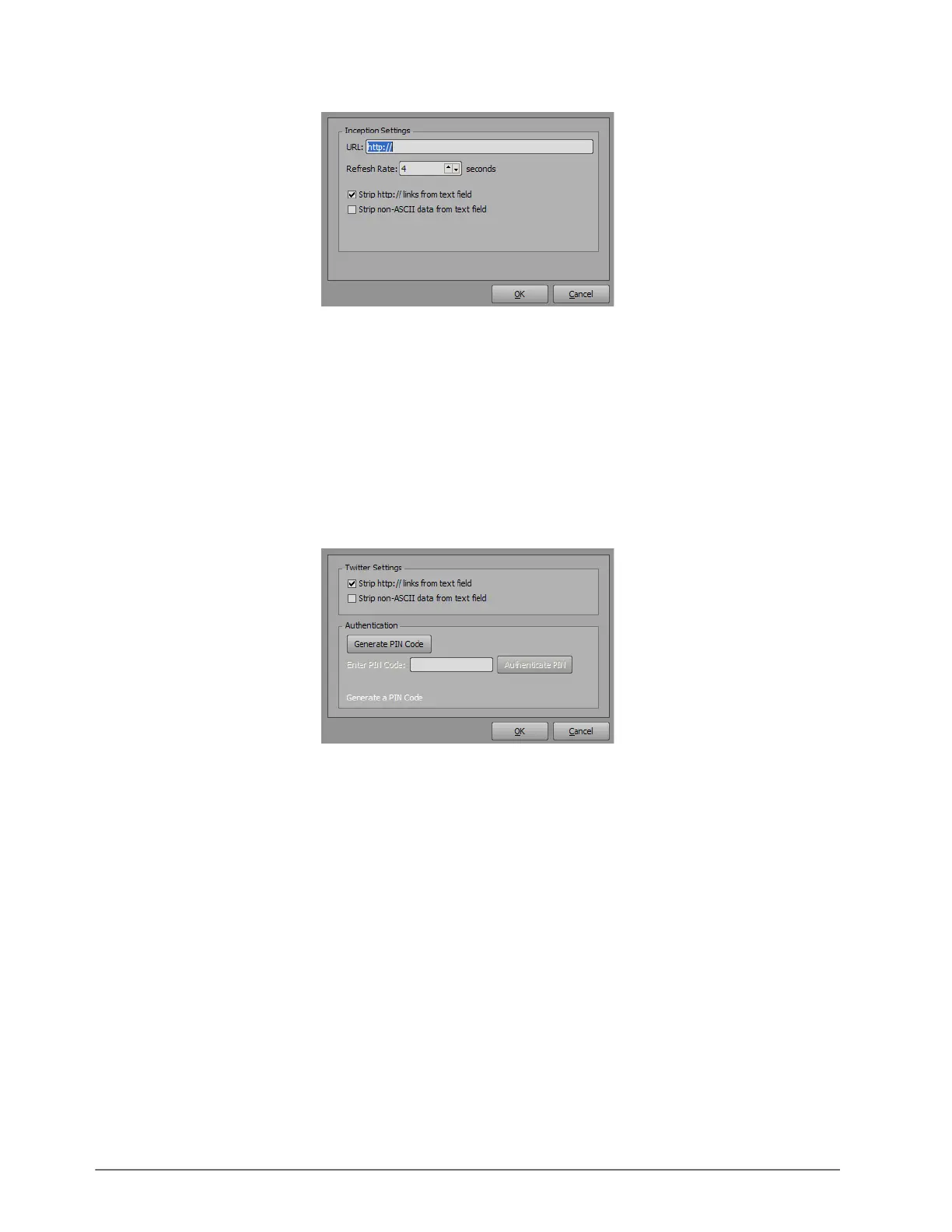
a. In the URL box, enter the URL for the Inception, MassRelevance, Arktan, Never.No, or Wayin data source.
XPression Connect will download attachments from Facebook, Twitter, and Instagram when using Inception data
sources.
b. Use the Refresh Rate box to enter or select an amount of time between queries to the data source for the
latest data.
c. Select the Strip http:// links from text field check box to remove URLs from the tweets in a rundown or
playlist provided by the data source.
d. Select the Strip non-ASCII data from text field check box to remove any data from the tweets in a rundown
or playlist provided by the data source that is not ASCII character encoding.
Twitter
a. Select the Strip http:// links from text field check box to remove URLs from the tweets in a rundown or
playlist provided by the data source.
b. Select the Strip non-ASCII data from text field check box to remove any data from the tweets in a rundown
or playlist provided by the data source that is not ASCII character encoding.
c. Click Generate PIN Code to generate a user authentication code for the Twitter data source.
A Twitter URL is provided below the fields in the dialog box.
d. In the Enter PIN Code box, enter the PIN code available from the provided Twitter URL.
e. Click Authenticate PIN to access the Twitter data source.



 To Next Page