5–2 XPression Connect User Guide (10.5)
XPression Connect Menu Bar
The XPression Connect menu bar, located at the top of the XPression Connect interface, contains a File menu and
Docking menu.
File Menu
Use the File menu to configure the GPI connection settings and exit XPression Connect.
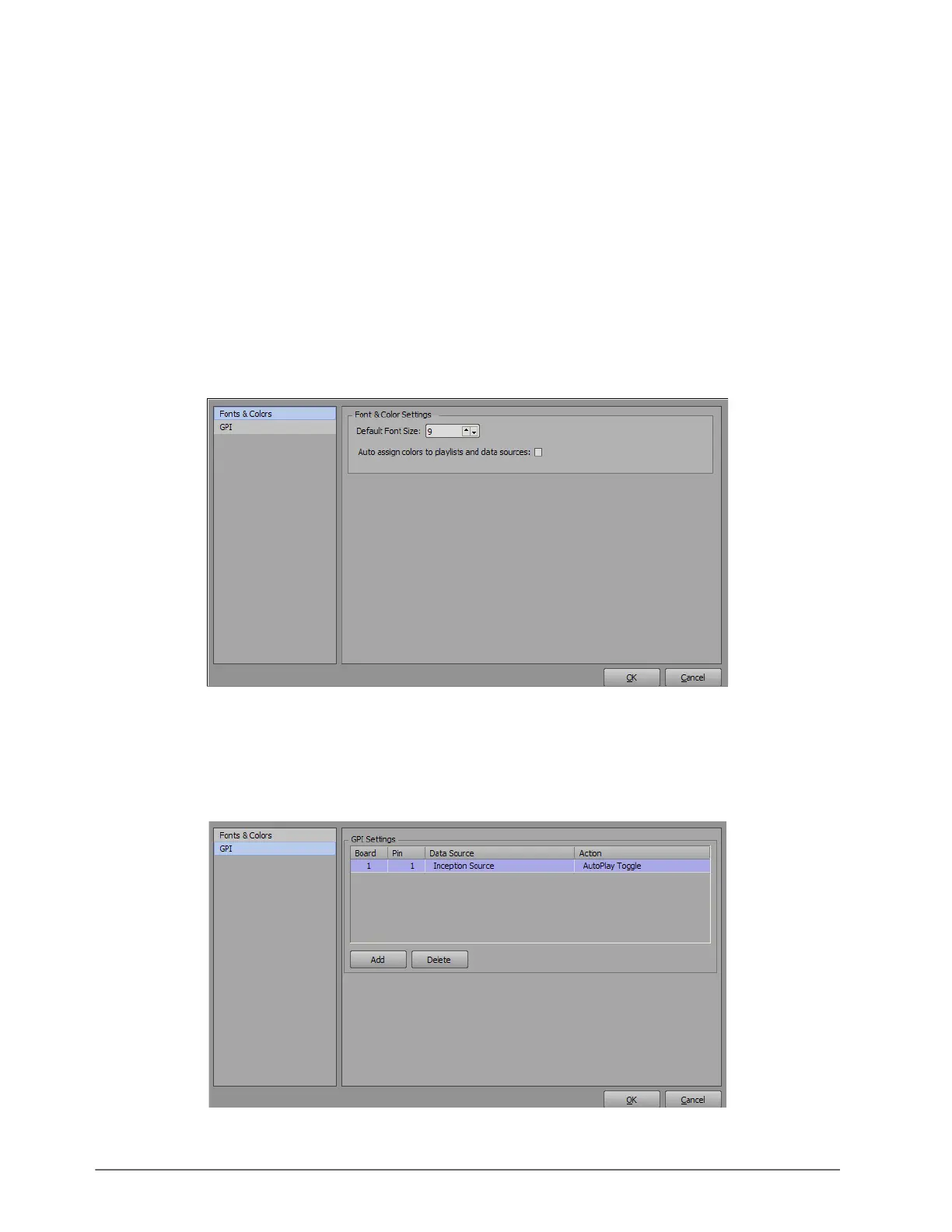
File > Configure — select this option to open the Connect Configuration dialog box and configure the fonts and
colors and the GPI settings.
File > Exit — click this button to close XPression Connect.
Connect Configuration
Fonts & Colors Settings
Use the Fonts & Colors section to set the default font size and configure color settings.
Default Font Size — in this box, enter or select the default font size for the rundown items.
Auto assign colors to playlists and data sources — select this check box to automatically assign a color to
playlists and data sources.
GPI Settings
Use the GPI section to configure the GPI connection to XPression.



 To Next Page