XPression Connect User Guide (10.5) 3–13
Setting Up a Playlist Rundown
Use playlists to create custom rundowns from one or more data sources for specific topics. For example, a playlist
specifically for birthday greetings.
XPression must be launched and a project loaded before launching XPression Connect, or XPression Connect
will not be able to display scenes in Scene Settings or Preview.
1. In XPression, open or set up a project to be used with XPression Connect.
2. In the Data Sources window, double-click a data source from the list to select it.
The selected data source opens in the rundown area.
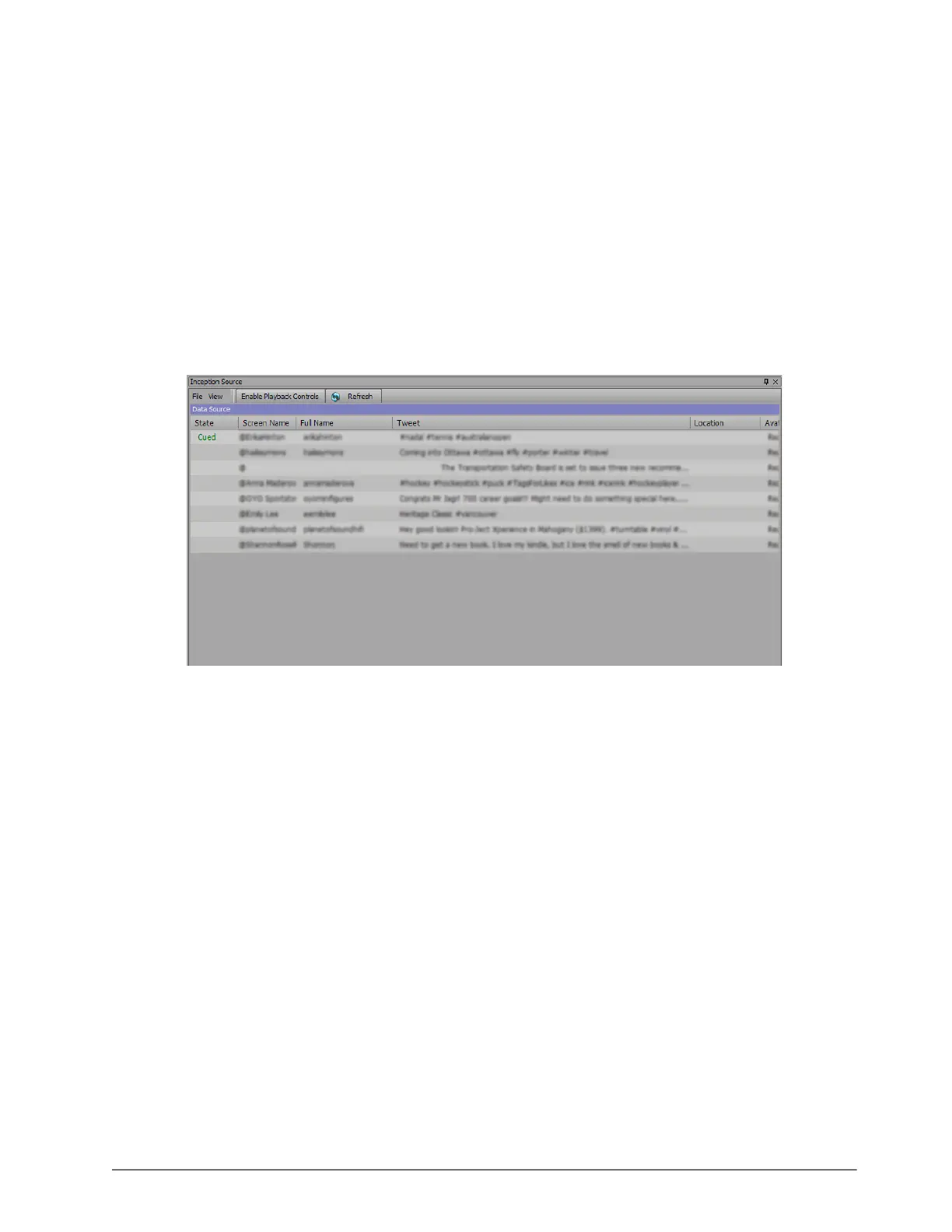
3. In the Inception Source / Mass Relevance Source / Twitter / Arktan / Never.No / Wayin window, click the
Refresh button in menu bar to load the Inception or MassRelevance data for the rundown.
The Data Source section of the Inception Source / Mass Relevance Source / Twitter / Arktan / Never.No /
Wayin window is populated with data.
To clear a rundown, select File > Clear all items from the window menu.
Cued items can be removed from the feed and the next item will be cued.



 To Next Page