3–14 XPression Connect User Guide (10.5)
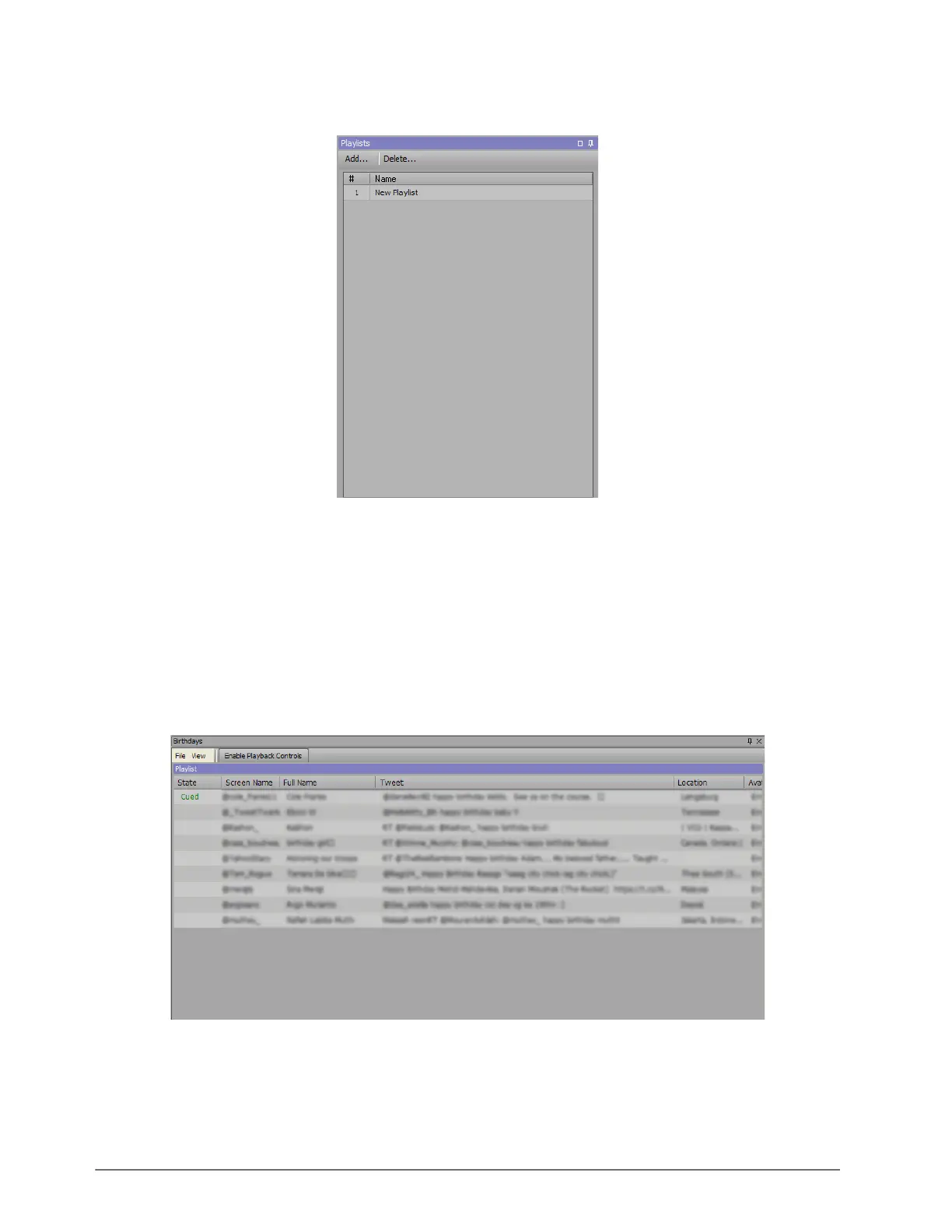
4. In the Playlists window, click Add.
A new playlist is added to the list.
5. Right-click on New Playlist and select Rename from the shortcut menu.
6. Enter a name for the playlist (for example, ‘Birthdays’) and press Enter.
7. In the Data Source section of the Source window, right-click on an item and select Add to Playlist > Playlist.
To select multiple items:
• select an item, hold Shift, and select another item further up or down the list to select a block of items; or
• select an item, hold Ctrl, and select other individual items from the list to select a number of specific items.
Repeat this step for as many items as your playlist requires.
8. In the Playlists window, double-click the playlist.
The playlist opens in the rundown area.
Right-click an item in the playlist and select Edit Text from the shortcut menu to open the Edit Text dialog box to
edit the Tweet text.



 To Next Page