3–2 XPression Connect User Guide (10.5)
Setting Up an XPression Project for Use with
XPression Connect
XPression and XPression Connect must use the same version and build numbers.
XPression Connect uses the default framebuffer and layer of the scene or scene group.
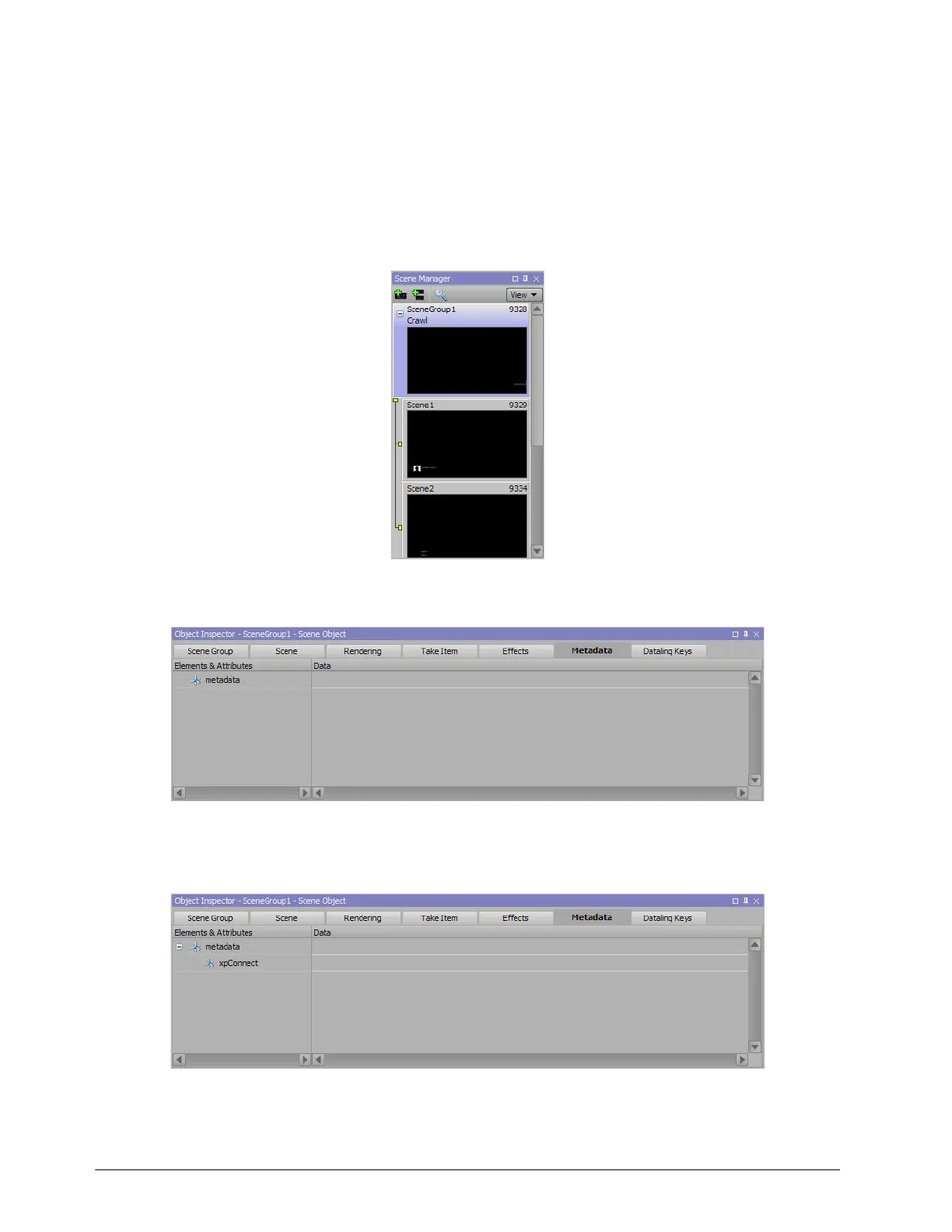
1. In XPression, open a project that contains the scene(s) for use with XPression Connect.
2. In the Scene Manager, select a scene or scene group.
3. In the Object Inspector, click the Metadata tab.
The Metadata tab opens.
4. In the Elements and Attributes section, right-click on metadata and select Add > Child Element.
A child element node is added to metadata.
5. Click inside element and enter the name xpConnect.
6. Right-click on the xpConnect element node and select Add > Attribute.
An attribute node is added to the xpConnect element node.



 To Next Page