3–8 XPression Connect User Guide (10.5)
Setting Up a Data Source Rundown
Use rundowns to play out social media provided by a data source.
XPression must be launched and a project loaded before launching XPression Connect, or XPression Connect
will not be able to display scenes in Scene Settings or Preview.
1. In XPression, open or set up a project to be used with XPression Connect.
2. In XPression Connect, add a data source. The options are:
• Inception
• MassRelevance
•Arktan
• Never.No
•Wayin
3. In the Data Sources list, double-click the data source.
The data source opens in the rundown area.
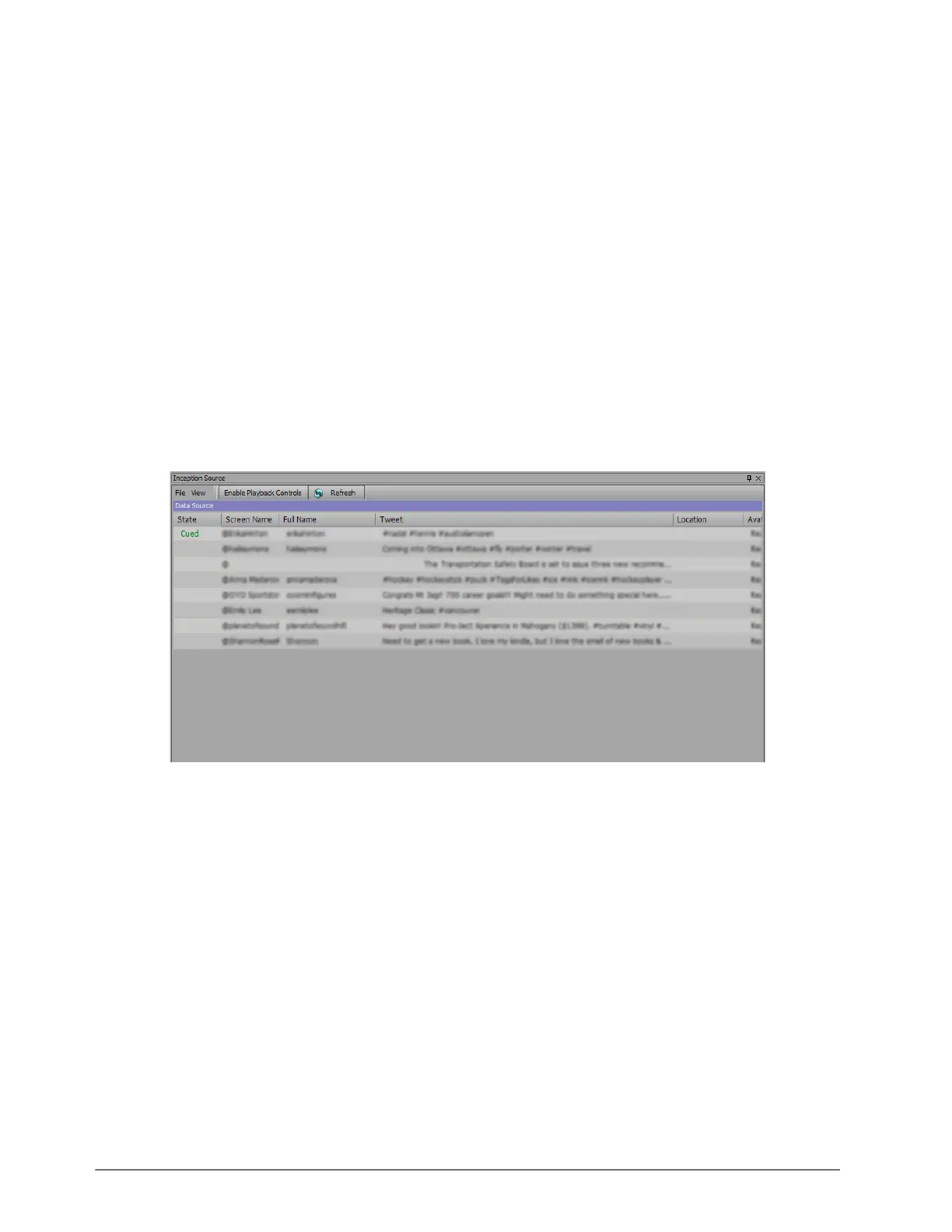
4. In the Source window, click the Refresh button in menu bar to load the Inception, MassRelevance, Arktan,
Never.No, or Wayin data for the rundown.
The Data Source section of the Source window is populated with data.
XPression Connect will download attachments from Facebook, Twitter, and Instagram when using Inception data
sources.
To clear a rundown, select File > Clear all items from the window menu.
Cued items can be removed from the feed and the next item will be cued.



 To Next Page