EasyManua.ls Logo

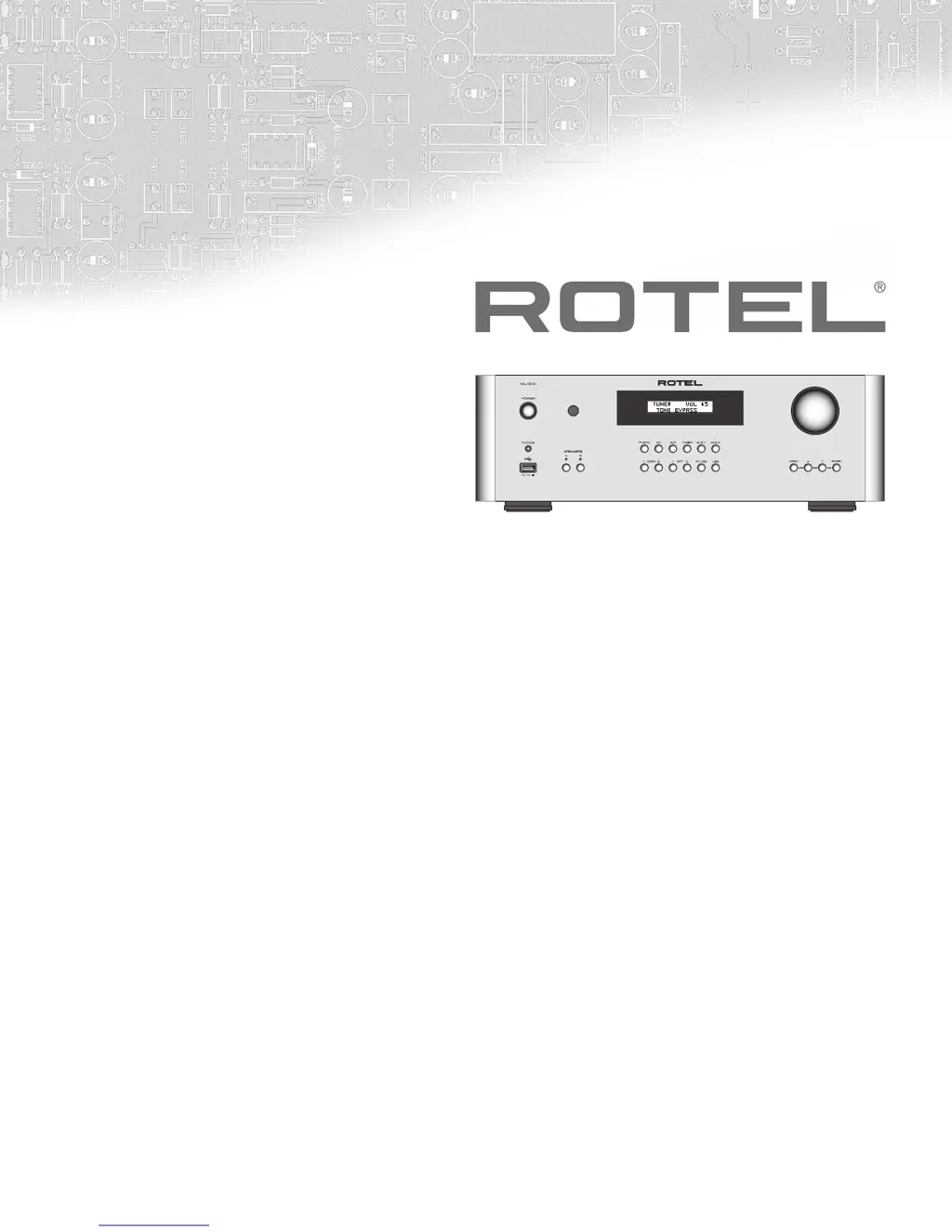
Rotel RA-1570 - User Manual

Rotel RA-1570
84 pages
Print Icon
To Next Page IconTo Next Page
Loading...
Owner’s Manual
Manuel de l’utilisateur
Bedienungsanleitung
Manual de Instrucciones
Gebruikershandleiding
Manuale di istruzioni
Instruktionsbok
Инструкция пользователя
RA‑1570
Stereo Integrated Amplifier
Amplicateur Stéréo Intégré
Stereo-Vollverstärker
Amplicador Integrado Estereofónico
Geïntegreerde stereoversterker
Amplicatore integrato stereo
Integrerad stereoförstärkare
Интегрированный стерео усилитель

Table of Contents

Other manuals for Rotel RA-1570

Questions and Answers

  • J
    Jennifer ClarkJul 26, 2025
    What to do if Rotel Amplifier has no sound?
    • R
      Robert FergusonJul 27, 2025
      If your Rotel Amplifier isn't producing any sound, first ensure that your signal source is working correctly. Verify that the cables connecting the signal source to the amplifier's inputs are properly connected. Also, check the wiring between the amplifier and the speakers to confirm secure connections.
  • W
    woodstephenJul 31, 2025
    How to fix Bluetooth connection on Rotel RA-1570 Amplifier?
    • S
      Sara RogersJul 31, 2025
      To resolve Bluetooth connection issues on your Rotel Amplifier: * Clear the previous connection memory on both the RA-1570 and your device. * On the RA-1570 IR remote, press and hold the STOP M button for 5 seconds until the front display shows 'Reset BT DB List?', then release the button. * Select and press 'ENT'. Finally, attempt the connection again.
  • Z
    zgallowayAug 5, 2025
    What to do if power indicator is not illuminated on Rotel RA-1570 Amplifier?
    • K
      Kristen JamesAug 5, 2025
      If the power indicator on your Rotel Amplifier is not lit, test the power outlet with another electrical device, such as a lamp. Also, ensure that the power outlet being used is not controlled by a switch that has been turned off.
  • J
    Jennifer SmithAug 10, 2025
    Why is there no sound coming from my Rotel RA-1570 Amplifier?
    • J
      Joy SmithAug 10, 2025
      If your Rotel Amplifier isn't producing any sound, first verify that the signal source is functioning correctly. Next, ensure that the cables from the signal source to the RA-1570 inputs are properly connected. Finally, check the wiring between the RA-1570 and the speakers.
  • K
    Kayla SchwartzAug 15, 2025
    How to troubleshoot a Rotel RA-1570 Amplifier when the power indicator is not illuminated?
    • W
      William CastilloAug 15, 2025
      If the power indicator on your Rotel Amplifier is not illuminated, test the power outlet with another electrical device, such as a lamp, to ensure the outlet is functioning. Also, make sure the power outlet being used is not controlled by a switch that has been turned off.
  • A
    Anna Williams PhDAug 20, 2025
    What to do if I need a fuse replacement for my Rotel RA-1570 Amplifier?
    • E
      Ethan NelsonAug 20, 2025
      To replace a fuse in your Rotel Amplifier, contact your authorized Rotel dealer to get the fuse replaced.

Summary

Important Safety Instructions

About Rotel

A Word About Watts

Explains amplifier power output specifications and their meaning.

Getting Started

A Few Precautions

Outlines critical precautions to prevent damage during connection and operation.

AC Power and Control

AC Power Input

Explains power requirements and connection procedures for the unit.

Audio Controls

VOLUME Control

Details how to adjust and mute the volume.

PC-USB Input

USB Audio Class

Explains USB Audio Class 1.0 and 2.0 modes and driver installation.

Protection Circuit

Settings Menu

Troubleshooting

Power Indicator Is Not Illuminated

Troubleshooting steps if the power indicator is not lit.

Fuse Replacement

Guidance on checking and replacing the internal power fuse.

No Sound

Steps to diagnose and resolve issues with no audio output.

Specifications

Rotel RA-1570 Specifications

General IconGeneral
Damping factor180
Amplifier class-
Audio output channels- channels
Peak power per channel120 W
Signal-to-Noise Ratio (SNR)100 dB
Total Harmonic Distortion (THD)0.03 %
USB 2.0 ports quantity2
PurposeHome
Product colorSilver
Rack capacity3U
Connectivity technologyWired
AC input voltage120-230 V
AC input frequency50 - 60 Hz
Power consumption (standby)0.5 W
Power consumption (typical)400 W
Weight and Dimensions IconWeight and Dimensions
Depth350 mm
Width431 mm
Height144 mm
Weight13000 g

Related product manuals