EasyManua.ls Logo

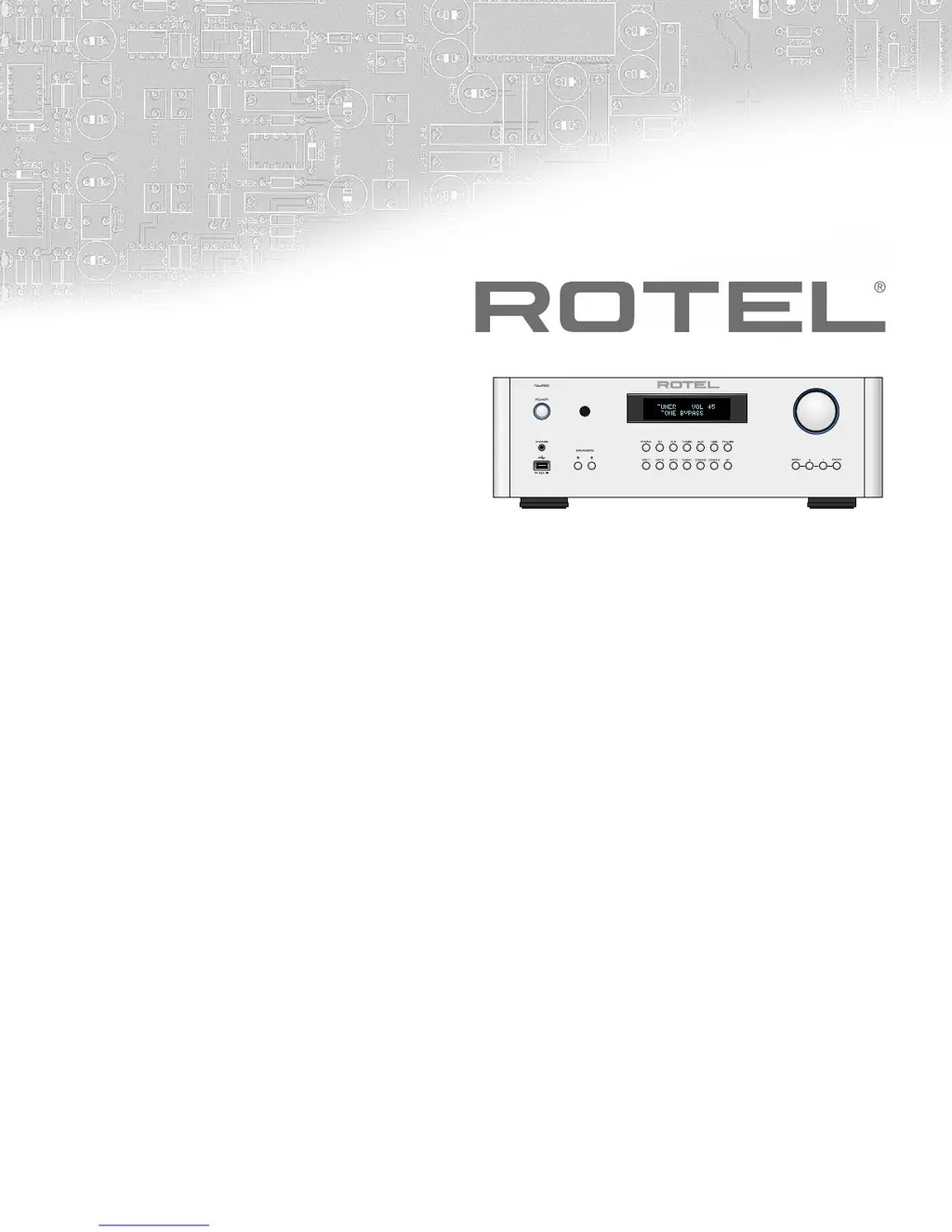
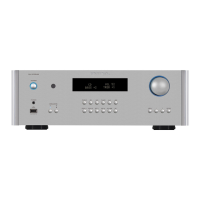
Rotel RA-1592 - User Manual

Rotel RA-1592
80 pages
Print Icon
To Next Page IconTo Next Page
Loading...
Owner’s Manual
Manuel de l’utilisateur
Bedienungsanleitung
Manual de Instrucciones
Manuale di istruzioni
Instruktionsbok
Инструкция пользователя
RA‑1592
Stereo Integrated Amplier
Amplicateur Stéréo Intégré
Stereo‑Vollverstärker
Amplicador Integrado Estereofónico
Amplicatore integrato stereo
Integrerad stereoförstärkare
Интегрированный стерео усилитель
A B

Table of Contents

Questions and Answers

Summary

Important Safety Instructions

General Safety Precautions

Covers fire, shock, moisture, foreign objects, power cords, extension cords, lightning, accessories, and speaker wire safety.

Placement and Ventilation Guidelines

Covers clearance, avoiding obstructions, cabinet ventilation, and keeping away from heat sources.

Safety Symbol Explanations

Explains warning symbols for electric shock, service, and double insulation.

Connection Pin Assignments

Details the pin assignments for balanced (XLR) audio connections.

Important Notes on Operation

Connection Procedures

Turn off all components before connecting/disconnecting and changing connections.

Volume Control Before Power

Turn the volume down before powering the amplifier on or off.

About Rotel

Understanding Amplifier Power

Power Output Specification Details

Explains how power output is rated and compares it to other specifications.

Speaker Impedance Explained

Explains speaker impedance and its effect on power requirements.

Getting Started

Initial Precautions

Includes turning off components, securing speaker wires, reading the manual, and saving packaging.

Placement Guidelines

Advice on placement, avoiding obstructions, and ensuring proper ventilation.

Remote Control Operation

Covers basic remote functions, code settings, and battery installation.

AC Power and Control Features

AC Power Input Configuration

Details voltage configuration, moving countries, and using power cords/strips.

Power Switch and Indicator

Explains front panel power button operation and remote control power functions.

12 V TRIGGER Connection

Enables automatic turn-on signal for compatible components.

Phono Input and Ground Connection

Connect turntable and ground wire to prevent hum and noise.

Line Level Inputs

Analog inputs for CD, Tuner, and Aux devices with analog audio output.

Balanced (XLR) Inputs

Accepts audio signals from components with XLR outputs.

Digital Signal Inputs

Coaxial and Optical inputs for PCM signals up to 192kHz.

Speaker Outputs and Connections

Speaker Selection Guidelines

Choosing speakers based on impedance (4 or 8 ohms).

Speaker Wire Selection Advice

Using insulated stranded wire and the effects of gauge and quality.

Polarity and Phasing

Importance of consistent positive/negative connections for optimal sound.

Speaker Connection Methods

How to connect speakers using binding post terminals.

Headphone Output

Volume Adjustment for Headphones

Reduce volume before connecting or disconnecting headphones.

Front Panel Features

Remote Sensor Location

Location of the IR sensor for remote control commands.

Display Information

Details what the front panel display shows (source, volume, tone).

Front USB Input

Connecting iPod or iPhone devices for playback.

Bluetooth Connectivity

Enables wireless streaming via Bluetooth, including pairing.

Audio Controls

Volume Control Operation

Using the front panel knob and remote buttons to adjust volume.

Balance Control Operation

Adjusting the left-to-right balance of the sound output.

Tone Controls and Settings

Tone Control Bypass Function

How to enable or disable the tone control bypass.

Bass and Treble Adjustment

How to adjust bass and treble levels, with usage advice.

Input Selection and Display Adjustment

Function Control for Source Selection

Selecting the desired input signal source.

Display Brightness Control

Adjusting the brightness of the front panel display.

PC-USB Input Configuration

USB Audio Class Settings

Switching between Class 1.0 and Class 2.0 for audio sampling rates.

High-Resolution Audio Support

Notes on 192kHz support and DSD/DoP playback.

External Control and Connectivity

RS232 Control Interface

Integration with automation systems via RS232.

Rotel Link Connection

Connecting multiple Rotel products for communication and remote app control.

EXT REM IN Jack

For external infrared receivers when the front sensor is blocked.

Network Connection

Enables software updates and IP control via the network.

Protection Circuitry

Settings Menu Options

Tone and Balance Settings

Adjusting tone bypass, bass, treble, and balance settings.

Display Dimmer Setting

Adjusting the front panel display brightness via the menu.

Rotel Link RCD Setup

Configuring the CD player connection for Rotel Link.

Power On Volume and Options

Setting maximum volume at power-on and choosing power modes.

Advanced Settings

Auto Power Off Configuration

Setting automatic standby mode after a period of inactivity.

Fixed Gain Input Setup

Setting a fixed volume level for specific inputs.

PC-USB Audio Class Selection

Switching between USB Audio Class 1.0 and 2.0 for sampling rates.

Network Configuration and Status

Viewing and configuring network settings, including IP address methods.

Software Update Procedure

Checking and installing software updates via the Internet.

Signal Sense Operation

Automatic power on/off based on digital audio signal presence.

Troubleshooting Guide

Power and Sound Issues

Troubleshooting power indicator, fuse, and no sound problems.

Bluetooth Pairing Problems

Resolving issues connecting Bluetooth devices by clearing memory.

Supported Audio Formats

Apple Device Formats

File types playable from iPhone/iPod via USB.

Bluetooth Streaming Formats

Formats supported for wireless Bluetooth audio streaming.

PC-USB and Digital Input Formats

PCM and DSD formats supported via PC-USB and digital connections.

Product Specifications

Audio Performance Metrics

Details power output, distortion, frequency response, and damping factor.

Input and Output Characteristics

Specifies sensitivity, overload, and impedance for various inputs/outputs.

Digital and PC-USB Specifications

Specifications for digital inputs and PC-USB connectivity.

Power, Dimensions, and Weight

Lists power requirements, consumption, physical size, and weight.

Rotel RA-1592 Specifications

General IconGeneral
Total Harmonic Distortion<0.03%
Intermodulation Distortion<0.03%
Input Sensitivity (Line Level Inputs XLR)400mV
Input Sensitivity (Phono Input MM)2.5mV
Input Impedance (Line Level Inputs RCA)47kΩ
Input Impedance (Line Level Inputs XLR)100kΩ
Input Impedance (Phono Input MM)47kΩ
Digital Section Frequency Response20Hz - 20kHz (±0.5dB)
Signal to Noise Ratio (Digital Inputs)102dB
Input Sensitivity (Digital Section)0dBfs
Digital Section Intermodulation Distortion<0.03%
Power Consumption500W
Standby Power Consumption<0.5W
Input Sensitivity (MM)2.5mV
Signal-to-Noise Ratio (MM)80dB
DAC Resolution32-bit/768kHz
Power Output200W per channel (8Ω)
Dimensions431 x 144 x 425 mm
Tone ControlsBass ±10dB at 100Hz / Treble ±10dB at 10kHz
Digital Section Output Level2V
Power Requirements230V, 50Hz
DACAKM 32-bit/768kHz
BluetoothYes, aptX

Related product manuals