User Manual - 10/12
6. SCREEN SETTINGS
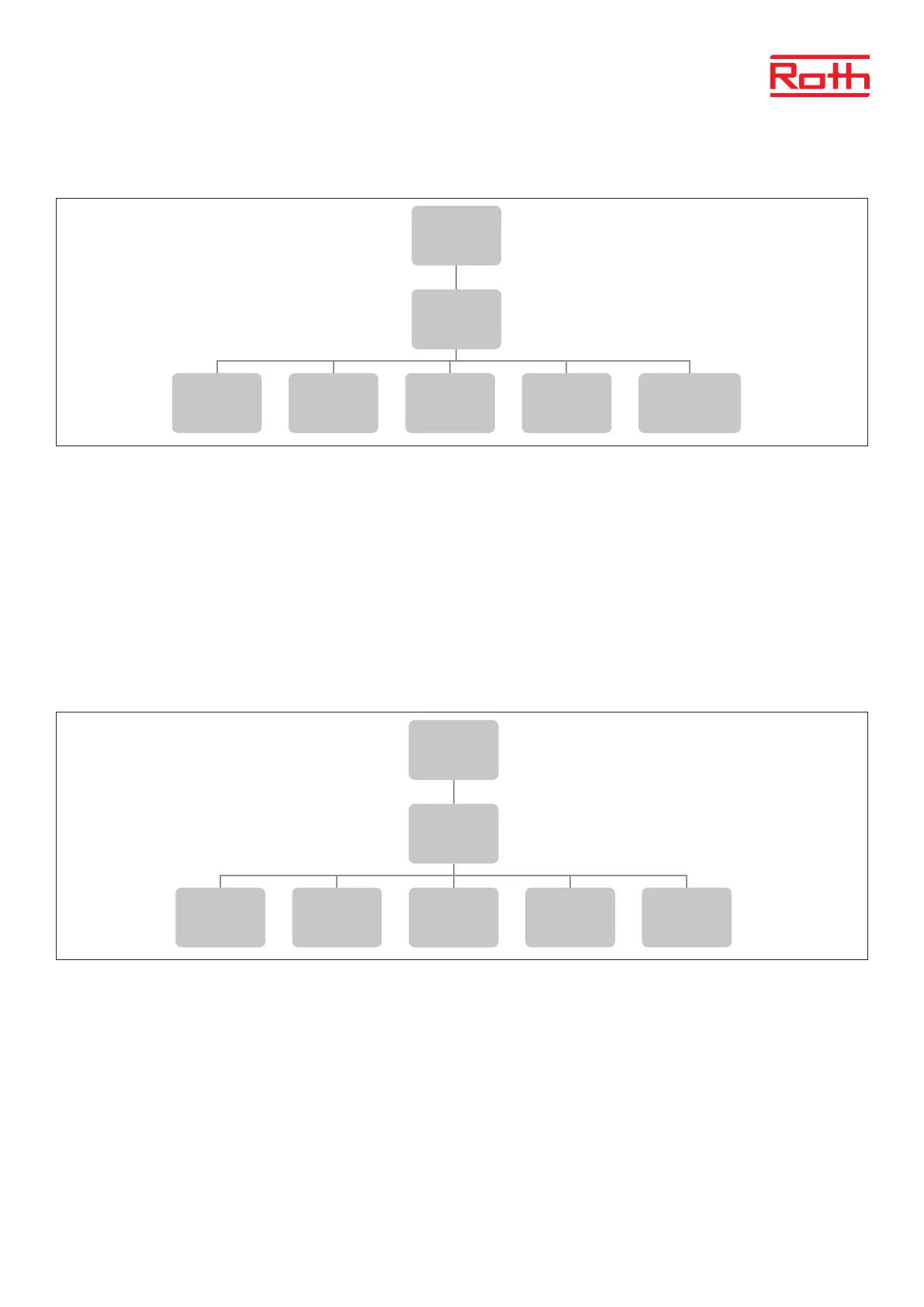
Diagram – screen settings
Screen view It is only possible to view WiFi menu on the screen.
Display contrast Contrast on the display - +/-10
Screen brightness Light on the screen – 10 - 100
Screen fade The attenuation under screen saver – 0 - 50
Extinguishing time Time from when you last touched the keys until the module goes into screen saver mode – 0.05 - 60.00 minutes
7. LANGUAGE VERSION
Diagram – language version
To set your language (default is English)
Press MENU button and use the button ▼ to select ”Language selection”. Use the button ▼ to select your language and conrm with MENU button.
3
Diagram – reset module password
Diagram – screen settings
Menu
Reset module
password
Yes No
Menu
Screen
Settings
Screen view
Display
contrast
Screen
brightness
Screen fade
Extinguishing
time
Menu
Time
settings
Automatic
Clock
settings
Date
settings
4
Diagram – language version
Menu
Language
version
ENG SE NO FI DK
Service menu
Display
contrast
Factory
settings
Menu
Factory
settings



 To Next Page