User Manual - 8/12
2. NETWORK CONFIGURATION
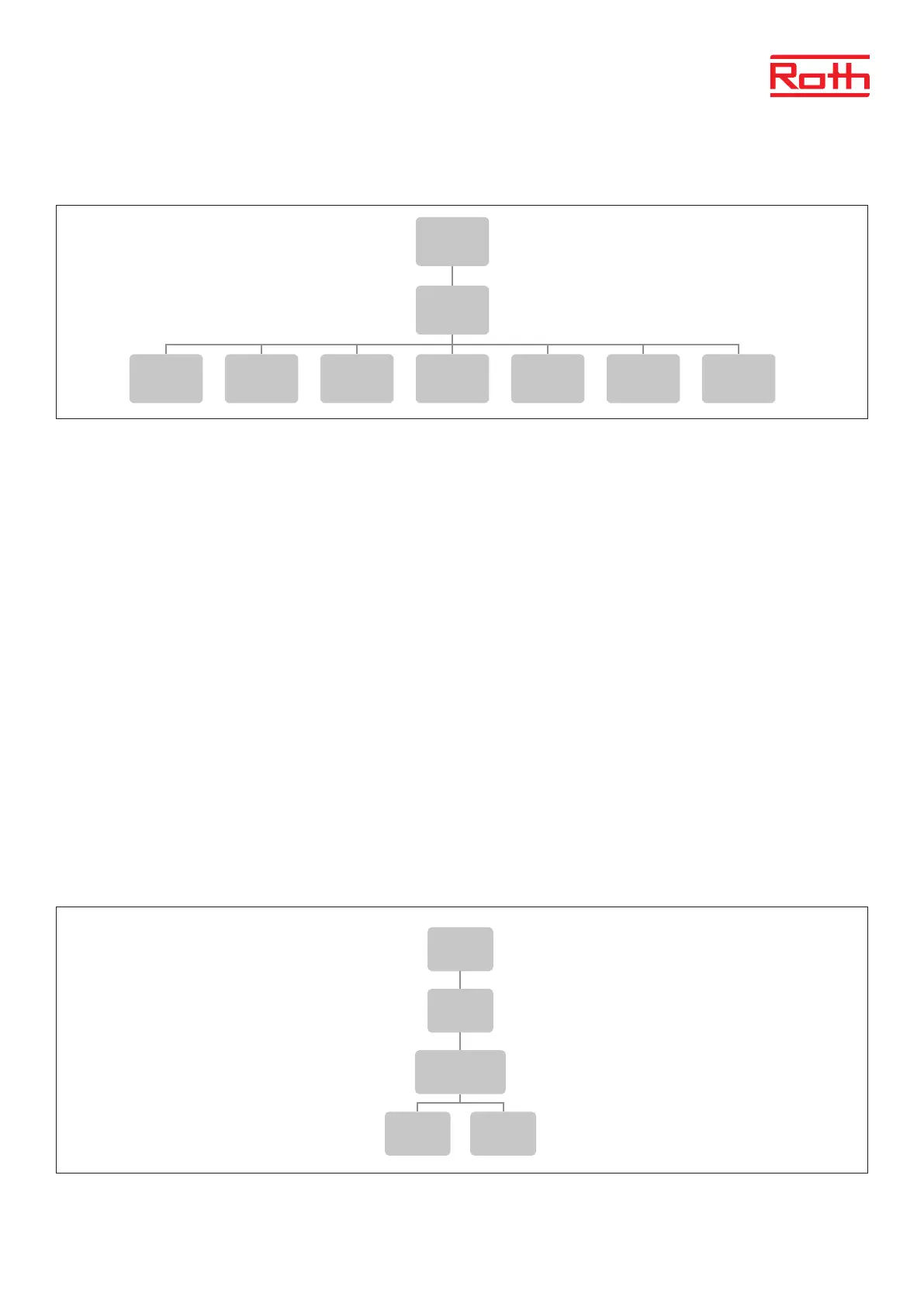
Diagram – Network conguration menu
This submenu enables the user to establish the controller connection with the local network by conguring the access parameters manually.
In order to do that, it is necessary to check your local network settings which is to be done by a skilled person.
Network conguration:
Disconnect This function enables the user to select if the WiFi internet module shall be online or oine with the router. By pressing
“Disconnect”, the module will lose the connection to the router.
DHCP This function enables the user to select if the WiFi internet module shall be on the Dynamic Host Conguration Protocol.
IP address IP address for the WiFi Internet module
Subnet Mask Subnet Mask for the WiFi Internet module
Gateway address Gateway address for the WiFi Internet module
DNS address DNS setup for the WiFi Internet module
MAC address MAC address for the WiFi Internet module
3. REGISTRATION MENU
Diagram – registration menu
2
Block diagram – main menu
Diagram – Network configuration menu
Diagram – registration menu
Menu
Network
WiFi
selection
Network
configura-
tion
Registra-
tion
Reset
module
password
Time
settings
Screen
settings
Language
version
Service
menu
Factory
settings
Software
version
Menu
Registra-
tion
Do you want to
register the
module?
Yes No
Menu
Network
configura-
tion
Disconnect DHCP IP address
Subnet
Mask
Gateway
address
DNS
address
MAC
address
2
Block diagram – main menu
Diagram – Network configuration menu
Diagram – registration menu
Menu
Network
WiFi
selection
Network
configura-
tion
Registra-
tion
Reset
module
password
Time
settings
Screen
settings
Language
version
Service
menu
Factory
settings
Software
version
Menu
Registra-
tion
Do you want to
register the
module?
Yes No
Menu
Network
configura-
tion
Disconnect DHCP IP address
Subnet
Mask
Gateway
address
DNS
address
MAC
address



 To Next Page