User Manual - 9/12
This submenu enables the user to congure the connection between the Soline Controller – Master, the Soline WiFi Internet module and
between the WiFi Internet modules.
Selecting the “Registration” with MENU.
The module will now ask for a conrmation of the registration. By conrming “Yes” with MENU, the module and the controller will prepare a
pairing code.
At the same time, on the “Soline controller - Master” the registration must be started.
On the Soline controller – Master, select “Fitters menu” > “Internet module” > “Registration”
When the devices are connected a code will be displayed (it’s the same code that must be used for the App later).
For more detailed description of the setup between the modules please see the manual for the WiFi Internet module
4. RESET MODULE PASSWORD
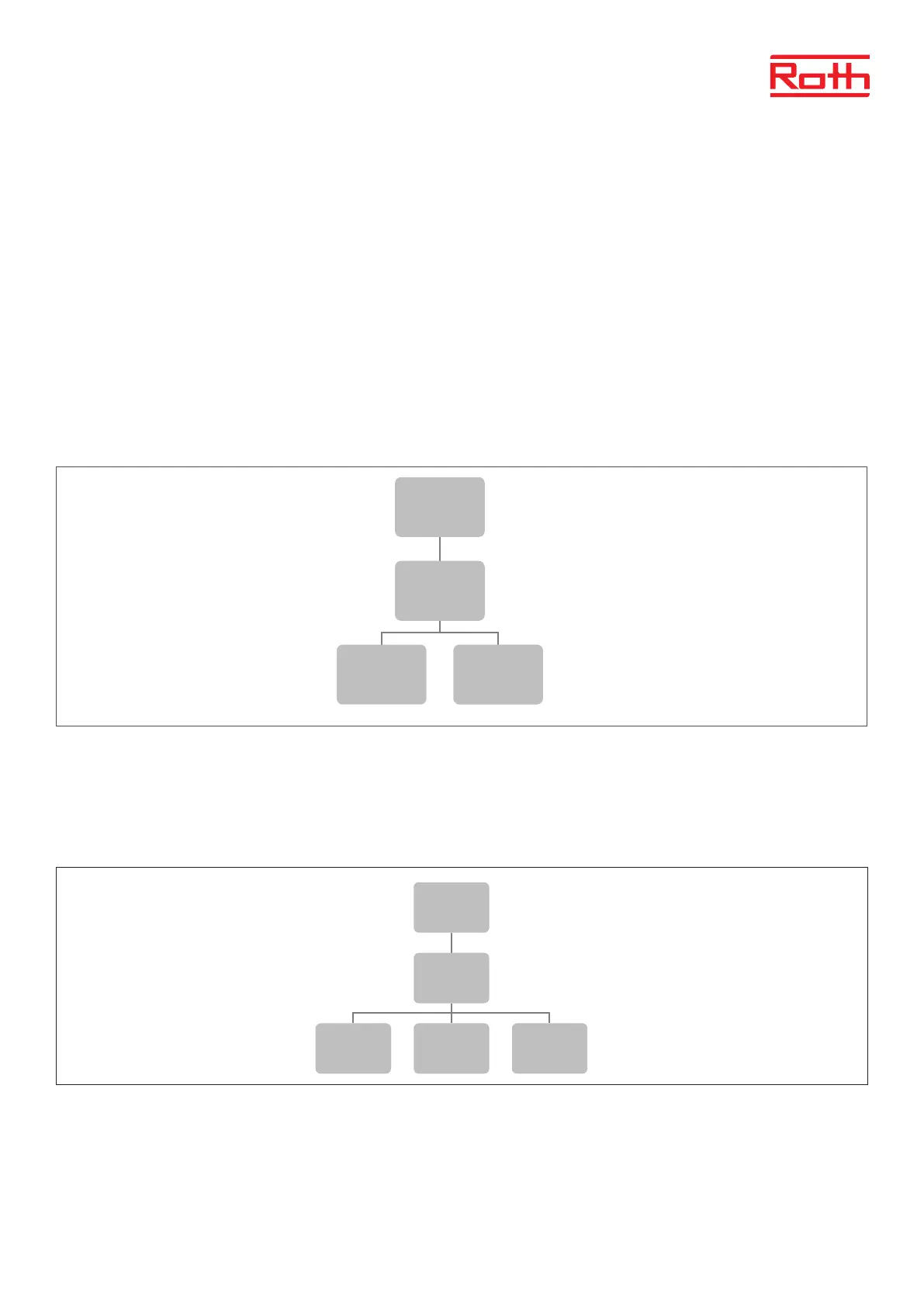
Diagram – reset module password
Here you can delete the password for Soline WiFi Internet module.
Yes The password will be deleted and need to get the new password, before it will work again.
No Existing password will be kept.
5. TIME SETTINGS
Press MENU button and use the button ▼ to select “Time settings” – press MENU.
When the box “Automatic” is checked (factory setting) and the module is connected to the internet the clock and date will be set automatically.
To set time manually, select “Clock settings” with MENU, set “hour” with ▼ or ▲ – conrm with MENU, set “Minute” with ▼ or ▲ – press MENU.
Press MENU to “CONFIRM” or choose “CANCEL” with ▲ – press MENU.
Now choose “Date settings”, set “Year” with ▼or ▲ – conrm with MENU, set “Month” with ▼ or ▲ – press MENU, set “day” with ▼ or ▲ – press
MENU. Press MENU to “CONFIRM” or choose “CANCEL” with ▲ – press MENU.
3
Diagram – reset module password
Diagram – screen settings
Menu
Reset module
password
Yes No
Menu
Screen
Settings
Screen view
Display
contrast
Screen
brightness
Screen fade
Extinguishing
time
Menu
Time
settings
Automatic
Clock
settings
Date
settings
3
Diagram – reset module password
Diagram – screen settings
Menu
Reset module
password
Yes No
Menu
Screen
Settings
Screen view
Display
contrast
Screen
brightness
Screen fade
Extinguishing
time
Menu
Time
settings
Automatic
Clock
settings
Date
settings



 To Next Page