User Manual - 4/12
II. First start-up
Follow these steps while starting the device for the rst time to ensure its failure-free operation:
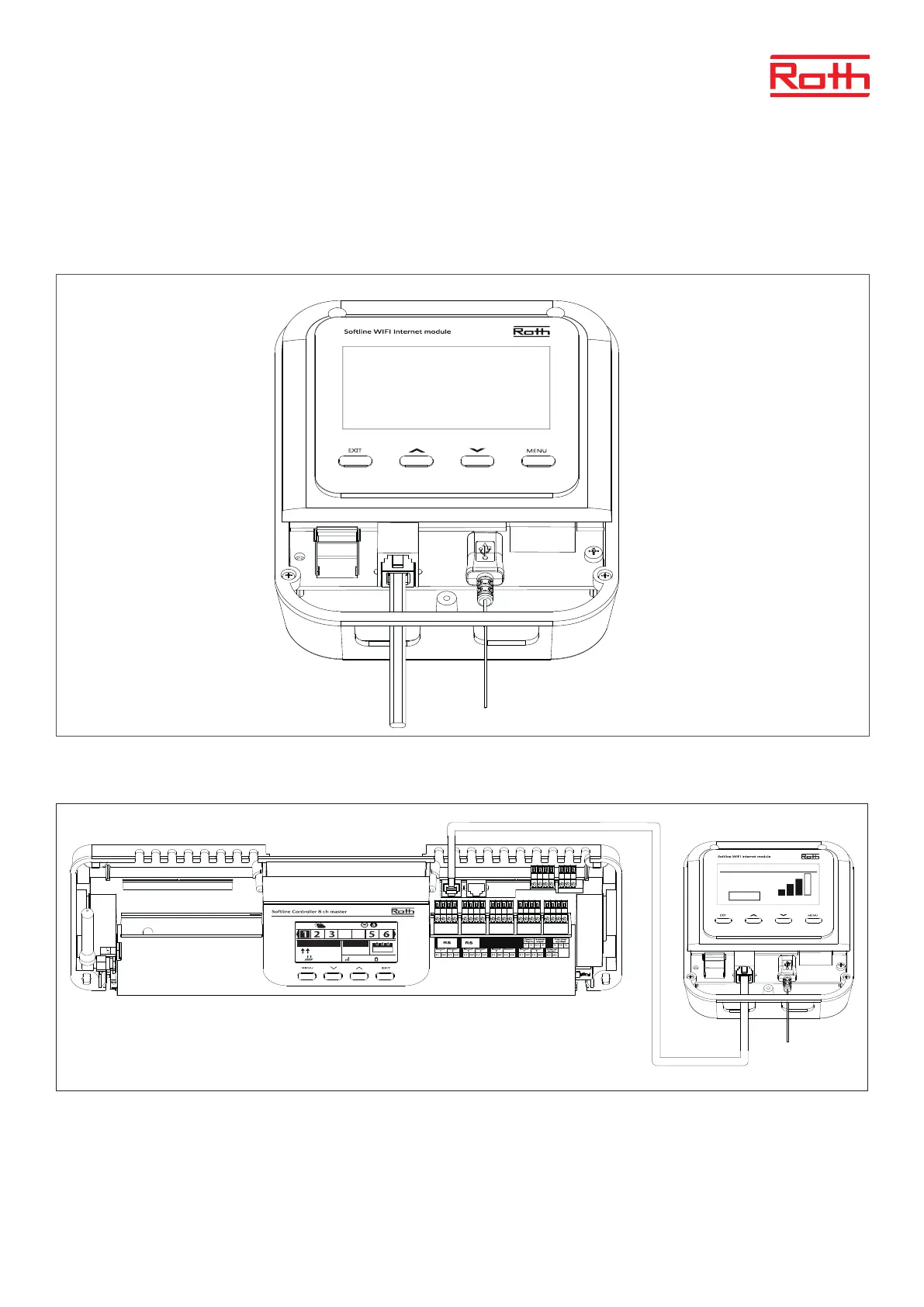
Step 1. Connect Roth Soline WiFi Internet module with the included RS cable and power supply.
In order to connect the cables, remove the module cover (screw in the bottom on the front) and connect the cables as indicated on connector
labels and diagrams below:
Diagram for wiring and communication with Soline controller – Master:
RS
RS
24.5°
43,9°
30.8°
Mon. 11.5°C
14:08
100% 100%
TEMPERATURE
SET
02:08
Tue.
06.07.21
09:25
Network name:
RUT950_537A
Signal
Active



 To Next Page