Need help?
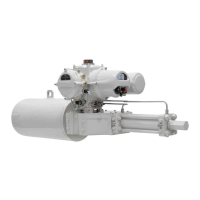
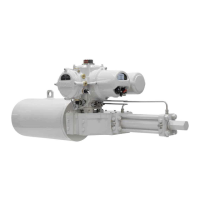
Do you have a question about the rotork Skilmatic SI Series and is the answer not in the manual?
Learn how to connect and navigate the actuator using the setting tool.
Details on establishing Bluetooth or Infrared connections to the actuator.
Configure electrical and mechanical limits for valve travel.
Procedure for performing and analyzing full and partial stroke tests.
Configure local, remote, ESD, and stepping control modes.
Detailed information on process, control, and hardware alarms.
Log of all events, filterable by type for easier analysis.
Records and counts occurrences of various alarm types.
 General
| Brand | rotork |
|---|---|
| Model | Skilmatic SI Series |
| Category | Controller |
| Language | English |

 To Next Page