Need help?
Do you have a question about the rotork CML-100 and is the answer not in the manual?
Overview of the manual's purpose for Rotork actuator installation and operation.
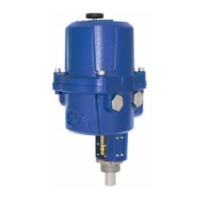
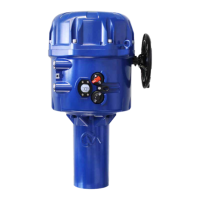
Description of CMA linear, quarter-turn, and rotary actuators.
Details ATEX and IECEx certifications for actuators in hazardous environments.
Critical dimensions for flamepaths of ATEX/IECEx approved actuators.
Essential safety warnings and precautions for installation, operation, and maintenance.
Steps for simple, safe, and rapid commissioning of Rotork CMA actuators.
Comprehensive instructions for installing the Rotork CMA actuator.
Step-by-step guide for mounting the CML linear actuator to a valve.
Guide for mounting the CMQ quarter-turn actuator to valves or dampers.
Guide for mounting CMR rotary actuators to valves or dampers.
Covers cable entries, terminals, wiring, fuses, relays, and signal feedback.
Outlines the steps required for basic setup after actuator mounting.
Procedure to set the actuator to Local operation mode for configuration.
How to adjust the actuator's output torque or thrust settings.
Configures whether the actuator stops at limits or applies torque/thrust.
Procedure to set the actuator's closed limit position.
Calibrates the actuator to 4-20mA signals for zero and span positions.
How to access and interpret stored fault and alarm events.
 General
| Brand | rotork |
|---|---|
| Model | CML-100 |
| Category | Controller |
| Language | English |


 To Next Page