EasyManua.ls Logo

Roundup VCT-1000 - User Manual

Roundup VCT-1000
24 pages
Print Icon
To Next Page IconTo Next Page
Loading...
P/N 1010807 Rev. I 06/12
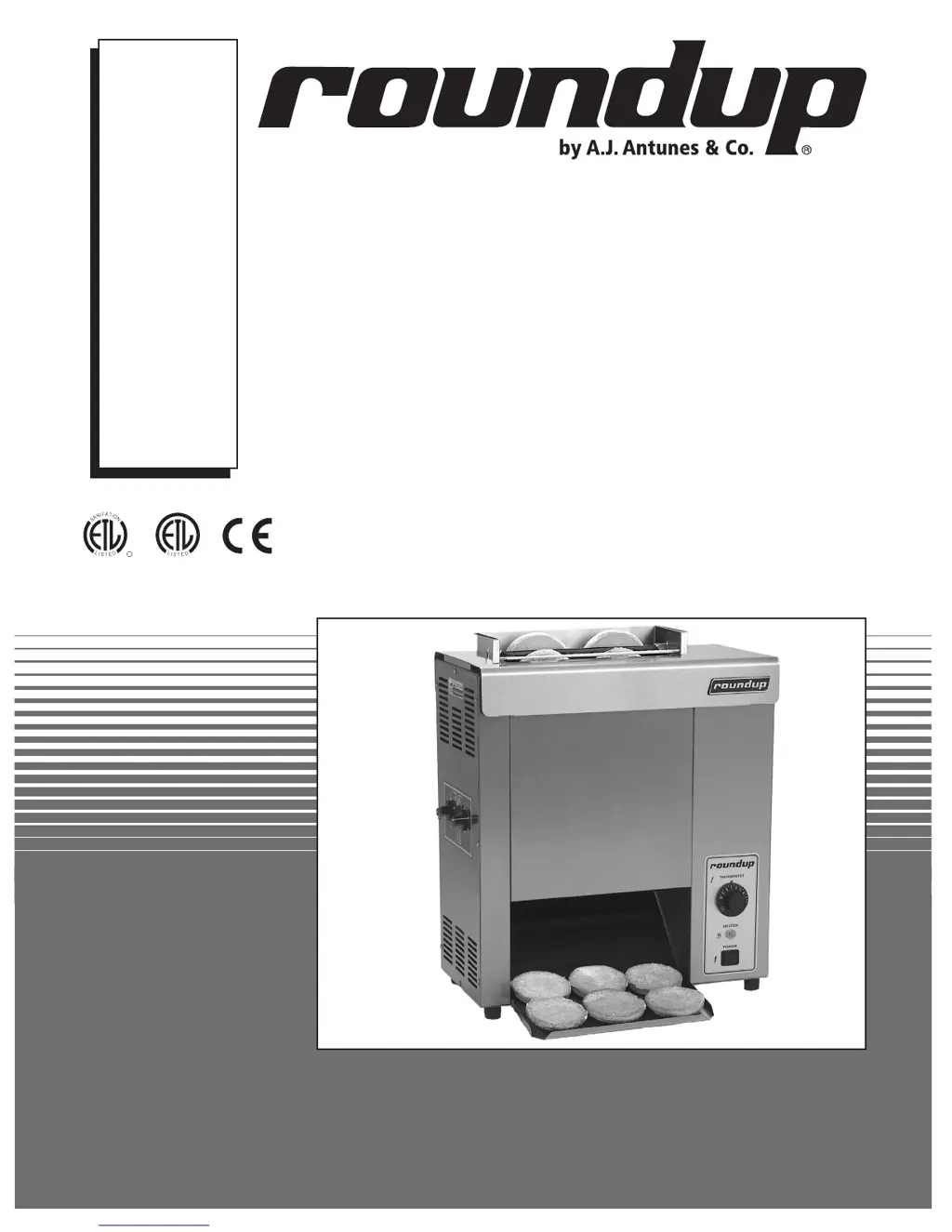
VERTICAL CONTACT
TOASTER
Models VCT-1000
Owner
s Manual
MANUFACTURING
NUMBERS:
9210700
9210702
9210704
9210705
9210706
9210708
9210709
9210710
9210712
9210714
9210716
9210720
9210722
9210727
C
T
I
S
L
US
E
D
A
S
D
L
I
S
T
E
CM
O
I
N
N
I
T
A
T

Questions and Answers

  • J
    Joshua WongAug 2, 2025
    What to do if my Roundup VCT-1000 Toaster has no heat and the conveyor belt chains aren't moving?
    • B
      Becky WrightAug 2, 2025
      If your Roundup Toaster isn't heating up and the conveyor belt chains aren't moving, here's what you can check: 1. Ensure the toaster is correctly installed according to the manual's Installation and Operation sections. 2. Verify the power cord and switch are working. Check that the receptacle provides the correct voltage. 3. See if the Hi-Limit Control has tripped. If so, reset it as shown in Figure 6 of the Operations section.
  • D
    Douglas GardnerAug 12, 2025
    Why is the platen hot but the conveyor belt chains not rotating on my Roundup VCT-1000 Toaster?
    • T
      thomas05Aug 13, 2025
      If the platen of your Roundup Toaster is hot, but the conveyor belt chains aren't rotating, consider the following: * Make sure the Heat Shield is installed correctly, referring to Figure 2. * Ensure the Heat Shield activates the Conveyor Safety Interlock Switch by applying appropriate pressure. * Inspect the Spring Tensioner Assembly and Roller Tensioner for damage or if they are missing; replace if necessary. * Check if the Conveyor Belt Chain links are too loose and adjust the length as described in the Maintenance section.
  • S
    samantha43Aug 22, 2025
    How to fix conveyor belt chains that hesitate to rotate or skip on sprockets in a Roundup VCT-1000?
    • C
      Christopher GrayAug 23, 2025
      If the conveyor belt chains on your Roundup Toaster hesitate to rotate or skip on the sprockets, you can try the following: * Ensure the Conveyor Belt Chains are installed correctly, matching the setup in Figure 11, making sure the ends of the hooks face down. * Adjust the Conveyor Belt Chain length if they are too loose, referring to the Maintenance section. * Replace the Spring Tensioner Assembly or Roller Tensioners if they are damaged or missing.

Summary

Owner Information (Continued)

Service and Technical Assistance

Contact information and procedures for obtaining service and technical support.

Important Safety Information

General Safety Guidelines

Essential safety instructions for the safe operation of the toaster.

Electrical Safety Precautions

Critical warnings and guidelines regarding electrical shock hazards.

Operational Hazard Warnings

Cautions about fire risks and maintaining safe distances from combustible materials.

Specifications

Installation

Installation (Continued)

Operation

Operating Instructions

Step-by-step guide for toasting buns, including temperature and thickness settings.

Key Safety Features

Explanation of safety mechanisms like Hi-Limit Reset and Conveyor Interlock Switch.

Maintenance

Daily Cleaning Procedures

Routine cleaning steps for the toaster's exterior and internal components.

Maintenance (Continued)

Wiring Diagram

VCT-1000 Pictorial Wiring Diagram

Visual representation of the toaster's electrical circuit layout and connections.

Replacement Parts

Replacement Parts (Continued)

Limited Warranty

Warranty Terms and Conditions

Full details of the one-year limited warranty for electrical and mechanical defects.

Roundup VCT-1000 Specifications

General IconGeneral
BrandRoundup
ModelVCT-1000
CategoryToaster
LanguageEnglish

Related product manuals