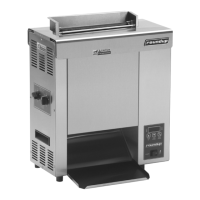
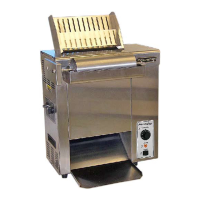
RAPID TOASTER VCT-250
6
P/N 1010776 Rev. H 03/04
McDonald’s
RAPID TOASTER VCT-250
7
P/N 1010776 Rev. H 03/04
McDonald’s
Operating Instructions
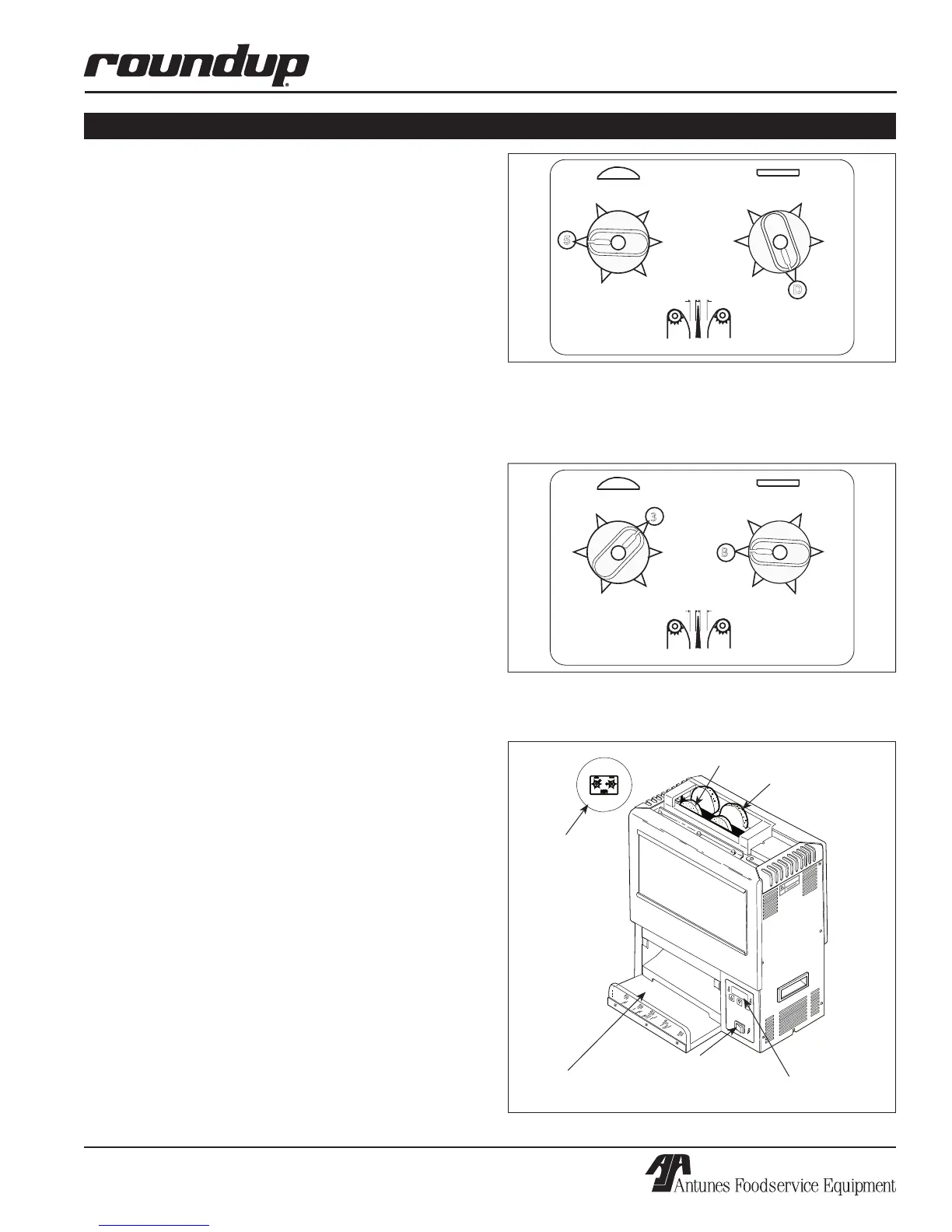
1. Set the Bun Thickness Adjustment Controls
(Figure 2A & 2B) as follows:
• For Mfg# 9210600 to 9210604 and 9210618 to
9210622, set the Crown control to 5 = 13/16”
(20.06 mm).
• For Mfg# 9210609 to 9210612, set Crown control
to 3 = 11/16” (17.4 mm).
• For Mfg 9210600 to 9210604 and 9210618 to
9210622, set the Heel/Club control to D = 9/16”
(14.3 mm).
• For Mfg# 9210609 to 9210612, set Heel/Club
control to B = 7/16” (11.1 mm).
2. Turn the Rocker Switch (Power On/OFF) to
ON (Figure 3). Allow 30 minutes warm-up time
before proceeding.
NOTE: The Temperature Display (Figure 4) will flash
“LO” until preset operating temperature is reached.
When the toaster approaches the preset tempera-
ture, “USE” will appear in the Temperature Display
and the unit is ready to toast buns.
The toaster is tested and shipped with the heaters set
at a preset recommended temperature. If “USE” does
not appear in the window after warm-up period, see
Temperature Adjustments below for recommended tem-
perature settings and to adjust temperature settings.
3. Drop buns into toaster (Figure 3). Cut sides of
heel and crown must face each other (heel/club
in front, crown in back).
4. Toasted product will drop into the bun landing
area (Figure 3).
5. Test at least 4 buns before putting toaster
into service.
6. Turn the Rocker Switch (Power On/Off) to OFF
when finished toasting.
OPERATION
Figure 2A. Bun Thickness Adjustment Controls for
Manufacturing Numbers 9210600 to 910604 and
9210618 to 9210622
NOTE: Background color of this label is YELLOW.
Figure 3. Rapid Toaster
Bun Thickness
Adjustment
Controls
Heel/Club
Crown
Bun Landing
Area
Rocker Switch
(Power ON/OFF
Switch)
Temperature Controls &
Temperature Display
(See Figures 2A
& 2B)
Figure 2B. Bun Thickness Adjustment Controls for
Manufacturing Numbers 9210609 - 9210612
NOTE: Background color of this label is GRAY.


 To Next Page