USER MANUAL
15
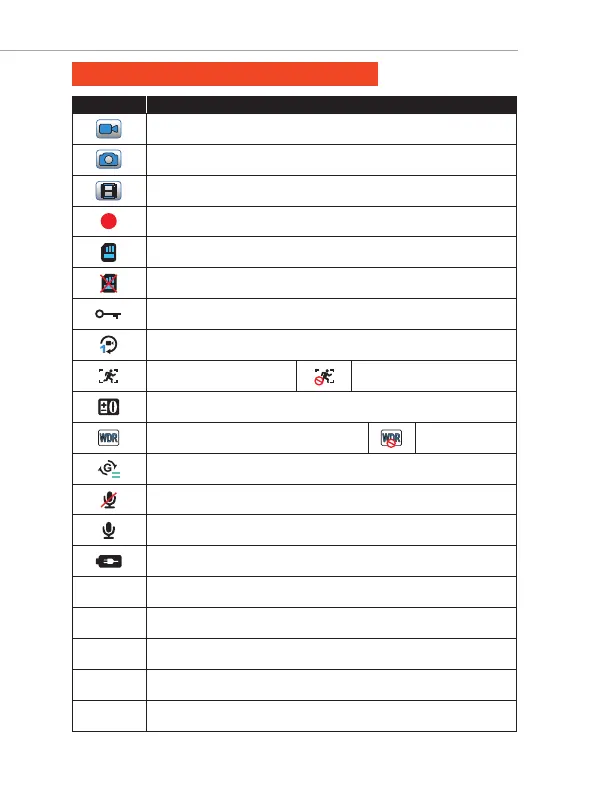
STATUS ICONS: Understanding Status
ICONS WHAT DOES IT MEAN?
Video Mode
Photo Mode
Playback Mode
Blinking Red Dot = Camera Is Recording Video
Micro SD Card Installed
NO Memory Card Installed or Bad Memory Card
Current Loop Video Is Being Locked
Loop Cycle Record Setting
Motion Detection ON
Exposure Setting
WDR = Wide Dynamic Range ON
G-Sensor Setting
Microphone OFF (Mute)
Microphone ON
Power Connected (Blinking)
Loop Timer (Resets Every Loop)
Total Trip Timer (Resets when camera / video restarts)
Video Resolution
Date
Current Time
00:00:00
07:01:02
1080FHD
2018/12/02
13:22:06
Motion Detection OFF
WDR OFF



 To Next Page