USER MANUAL
27
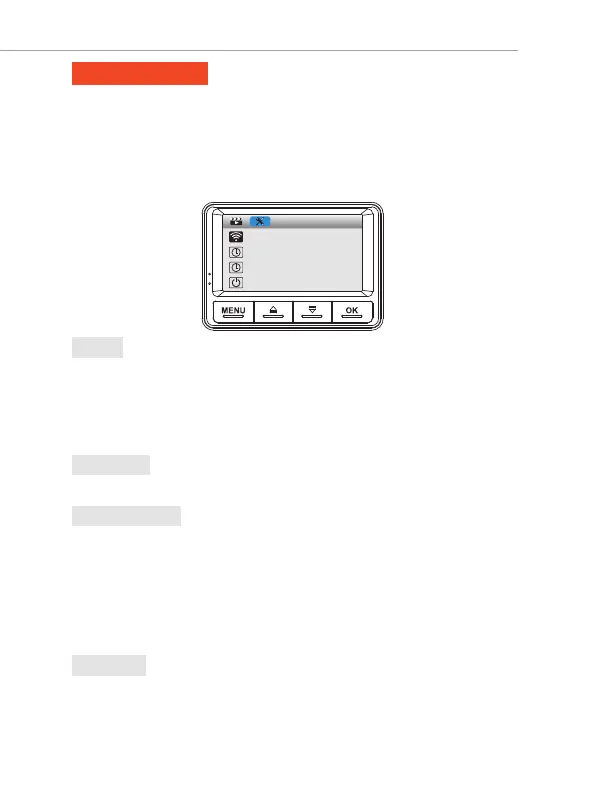
SYSTEM SETTINGS
WIFI
Date/Time
Time Mode
Auto Power On/Off
SYSTEM SETTINGS
To Enter Playback Setting:
•> Press "MENU" button two times to enter System Settings.
•> Press "DOWN" button to access System Settings.
•>
Now use "UP" or "DOWN" buttons to scroll through > then press "OK" button to
enter particular setting > then select the setting you prefer > then press "OK"
button again to confirm that setting and go back to System Settings menu.
This feature will allow you to turn Wi-Fi broadcast ON.
Shortcut: Long Press OK button for 2-Seconds to turn wifi ON/OFF
Default Password = 12345678
• ON
• Off (Default)
1. Wi-Fi
This feature allows the device to be turned OFF automatically based on desired
settings below, when video is not being recorded and camera is idle for that amount
of time.
• OFF (Default)
• 03- Minutes
• 05- Minutes
• 10- Minutes
3. Auto Power Off
This feature allows you to turn ON/OFF camera button's beep sound
• OFF
• ON (Default)
4. Key Tone
Tap to adjust the value >> tap to next option >> tap to save
2. Date/Time



 To Next Page