20
VIDEO SETTINGS
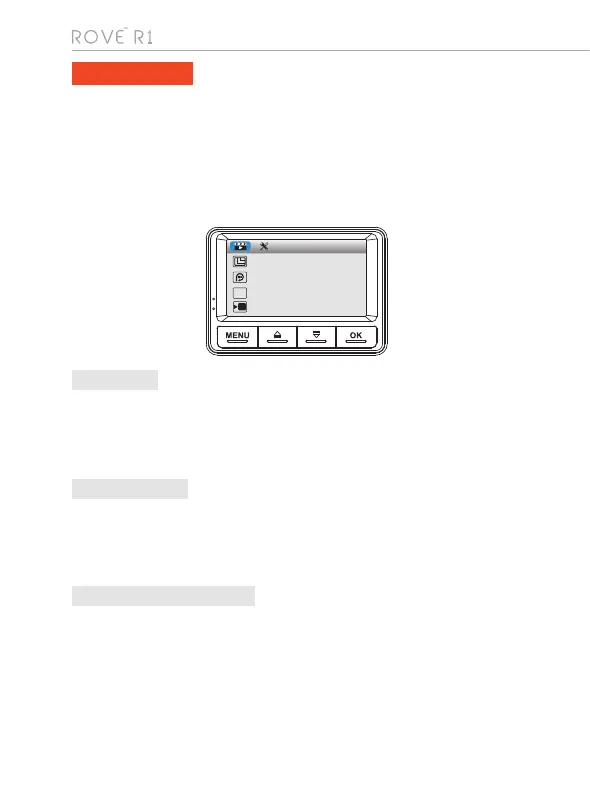
To Enter Video Setting:
•> Make sure you are under Video Mode
•> Press "MENU" button ONCE to enter Video Settings
•> Press "DOWN" button to access video settings.
•>
WDR improves the exposure by taking the combinations of over exposed and under
exposed image into one robust wide range of lighting with Higher depth image.
• 1920 x 1080p FHD (Default)
• 1280 x 720p HD
• 848 x 480p WVGA
• 640 x 480p VGA
• Off
• 1 Minute
• 3 Minutes (Default)
• 5 Minutes
Now use "UP" or "DOWN" buttons to scroll through > then press "OK" button to
enter particular setting > then select the setting you prefer to set > then press
"OK" button again to confirm that setting and go back to video settings menu
1. Resolution
2. Loop Recording
• ON
• OFF (Default)
3. WDR (Wide dynamic Range)
VIDEO SETTINGS
Resolution
Loop Recording
WDR
TIMELAPSE_REC
WDR
FPS



 To Next Page