USER MANUAL
19
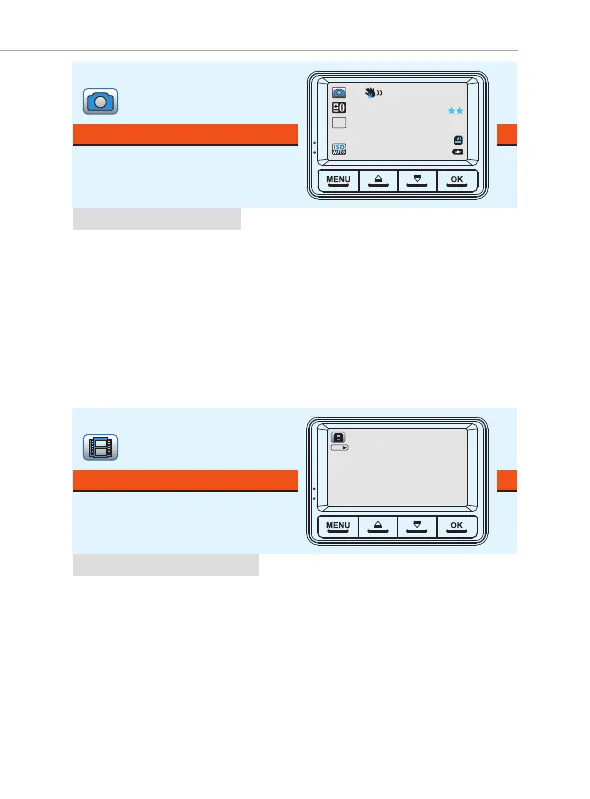
Photo mode lets you take a snapshot.
PHOTO MODE
•
Press OK button to take a SNAPSHOT.
•
Press UP button to ZOOM IN.
•
Press DOWN button to ZOOM OUT.
•
Press Menu Button to enter Photo Settings.
•
Long Press UP button for 2-second to change exposure.
•
Long Press ‘MENU’ Button to switch to playback mode
While Under Photo Mode:
Lets you play your video file or photos.
It can even let you Delete or unlock
any videos while viewing it.
PLAYBACK MODE (Video/Photo)
While Under Playback Mode:
• Press ‘OK’ button to Play/Pause Video.
• Short Press ‘Up’ button to increase speaker volume.
• Short Press ‘Down’ button to lower speaker volume.
• Short Press the ‘MENU’ Button to enter the Playback settings, here you can Delete,
Protect (Unlock/Lock) or Slide Show the files.
• Long Press DOWN button for - 2 Seconds to FF video playback up to 8x
• Long Press UP button for - 2 Seconds to REVERSE FF video playback up to -8x
00000
12M
AW B
OK:
2018_0917_002556_020
1080FHD
09/17/18
00:26



 To Next Page