34
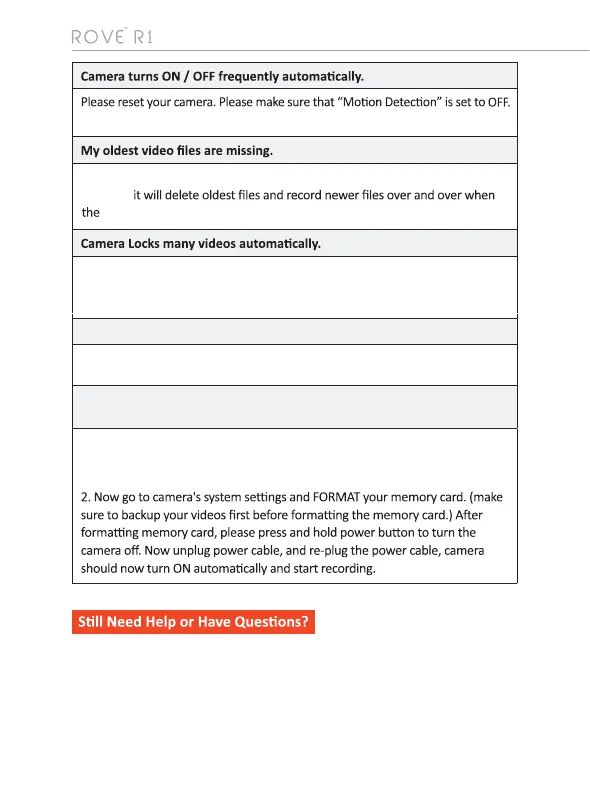
Micro SD Card is crooked or not going in slot easy
Camera showing "Memory Error" or "Please Insert Micro SD Card" even
though memory card is already installed into the camera.
1. Please make sure memory card is at least Class 10, U3 and purchased from
trusted vendor such as Walmart, target, best buy, Ship & Sold by Amazon" etc.
(there are many fake cards out there Online, remember if it's cheap, its fake.
Please change your G-Sensor Seng to higher seng. This seng depends
on type of car or truck you are driving and how much vibraon your
car/truck is creang based on suspensions and road condion.
Please make sure you align microSD card correctly with gold contacts facing
towards the Lens.
Your ROVE Dash Cam has Loop Cycle Recording. When it is set to either 1, 3, 5 or
10-mins,
memory card is full.
Please feel free to contact our personalised support at help@rovedashcam.com
Most e-mails are typically replied within 4-6 hours. However all quesitons are
answered within 24 Hours. No Excepons
For faster response, we recommend
that you please text us at 1-401-484-ROVE (7683).
Please visit http://www.rovedascam.com



 To Next Page