1
2
3
4
STOP the Continuous Recording from the normal video
mode.
Then the R2-4K PRO will turn OFF. However, it actively
senses any impact while the car is turned OFF.
Now, if someone hits your car & if the impact reaches the set
"Parking Mode G-Sensor" level, then >> the dash cam will
turn ON and START RECORDING 1-min video. Then it will
LOCK & SAVE that video in the events folder and turn OFF.
Then the dash cam will be actively sensing any impact until
someone hits your car again (which we hope you won't get hit
twice in one day - LOL) or until you start your car's engine.
When you start your car's engine for the next time, the dash
cam will give you an alert stating that the "Parking Mode Got
Activated While You Were Away" (You will hear an audible
alert & also an on-screen pop-up).
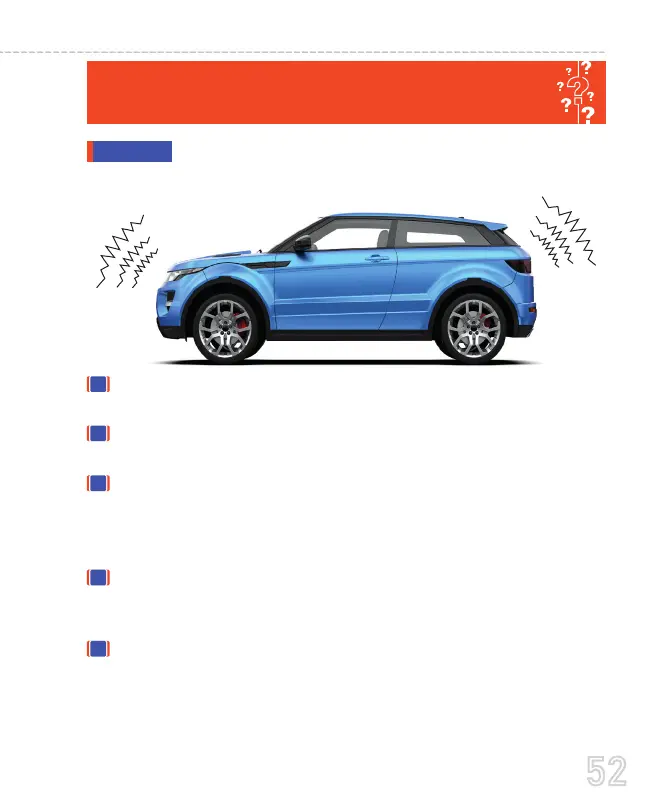
HOW DOES THE "COLLISION DETECTION ONLY"
When you turn OFF your car's engine, and if the
Hardwire Kit is installed properly > then the dash cam will -
ANSWER
52
USER MANUAL



 To Next Page