6
7
8
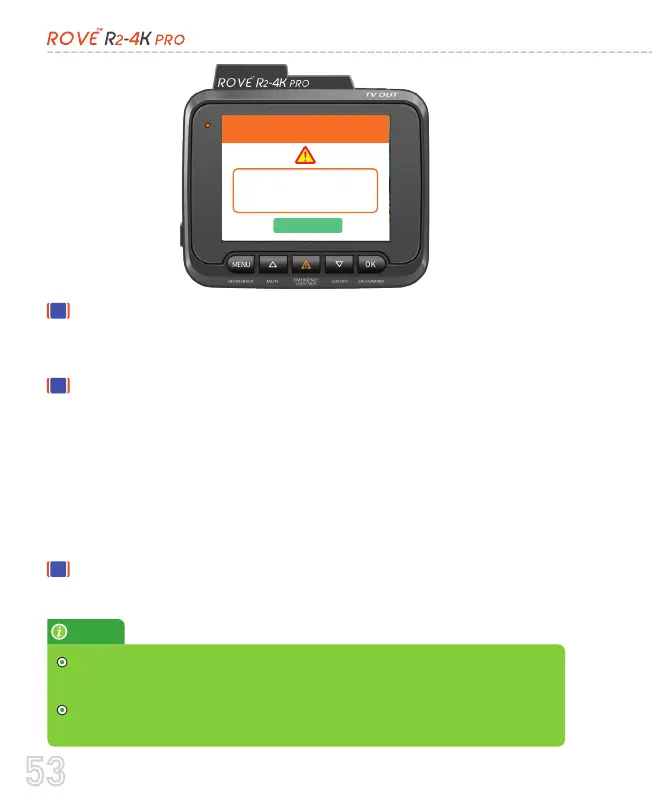
You will need to tap the OK button on the screen to
acknowledge that pop-up. Then you can check and see
what happened by going through the last event video.
However, let's say No One hits your car, and if the "Parking
Mode G-Sensor" didn't get activated, you will NOT get any
parking mode alert. >> In this case, when you start your
car's engine for the next time, the dash cam will switch to
the normal continuous recording mode, and it will say
"recording started" and the Parking + Timelapse icons will
disappear. This means that now your dash cam is in normal
continuous recording mode, which is what you want.
If you need to watch the activated parking mode videos,
you will find them under the Events folder.
OK
PARKING MODE GOT ACTIVATED!
The parking mode got activated
while you were away.
Check the LOCKED Video to see
what happened.
53



 To Next Page