4
3
5
6
The camera will prompt you with the initial set up flow which
will guide you to FORMAT your memory card for the first
time and help you set the date and time. Once you go through
the initial set up flow, you can always customize your dash
cam by going into the settings menu.(See Page 33)
ROVE R3 Car dash cam is programmed to turn ON and
START RECORDING automatically when it receives power,
and STOPS RECORDING, save the last video file and turns
OFF automatically when power gets disconnected within 1-2
seconds. (i.e., when you start /turn off your car)
How to hide power cable inside your car’s dash board?
How to transfer videos to PC/MAC?
Insert the memory card directly to your PC/MAC to view or
download them. You can also connect your camera to your
PC/MAC with the included Type C USB Data cable. Then
Select Connect as a USB Flash Drive. We recommend VLC
Media Player to view your videos. You can get it free at
www.videolan.org
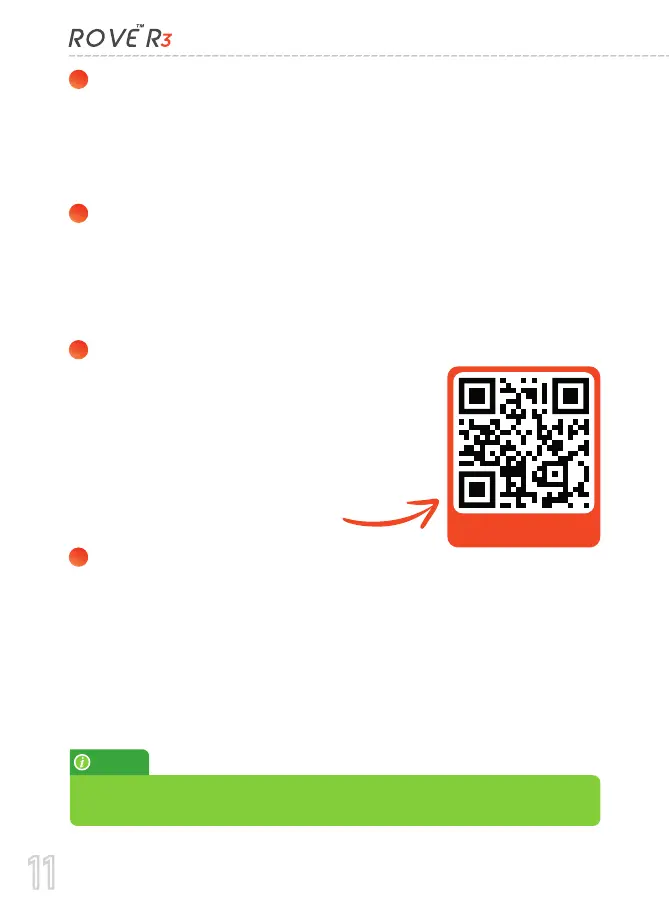
Scan to visit the link
NOTE:
Do not use Windows Media or QuickTime Player. They are not made to
play High Bitrate videos; hence, your video playback will lag.
Many people on YouTube already
demonstrated how and where to hide
power cable inside your car. You can
view one of the possible ways on the link,
this video is NOT recorded by us.
https://bit.ly/r3hidecable
11



 To Next Page