1
2
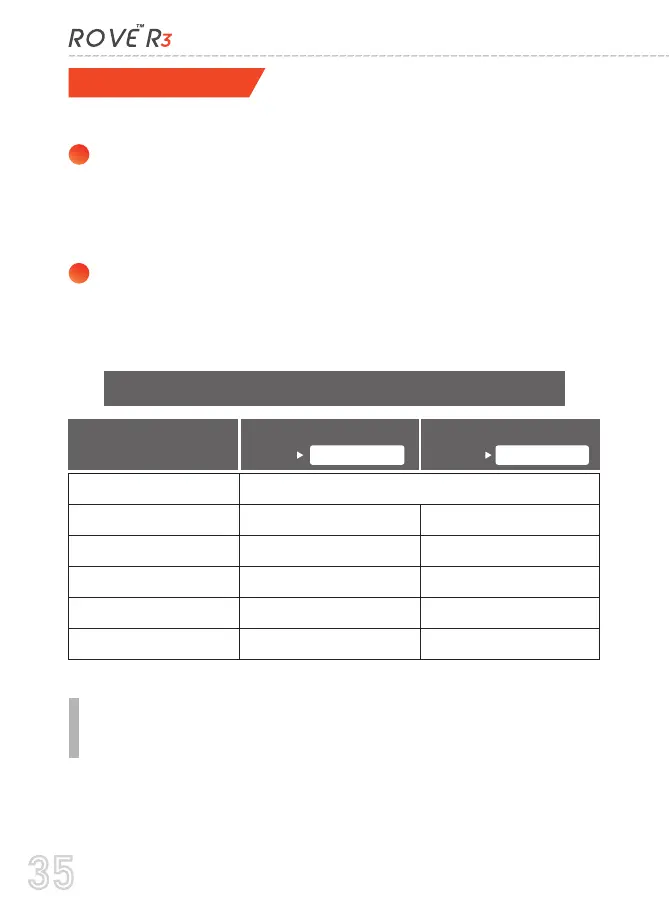
TIME-ZONE SETTING:
Go to to find
out your Correct GMT (Greenwich Mean Time) value based on
your location in USA
Hawaii
Alaska
Central Time Zone
Eastern Time Zone
Time Zones
You can choose date and time of your choice manually, go to
System Settings > Date/Time and select the date and time of
your choice.
You can also set the GMT/UTC time-zone value instead, so the
camera will set the date and time based on the GMT/UTC value
selection when it receives the GPS signal lock automatically.
OR
To set the date & time, choose one of the following options below:
When DayLight Savings
Ends Nov - March
When DayLight Savings
Begins March - Nov
35



 To Next Page