00:10 01:00
1X
2030_03_01_053127_N_A.MP4
•
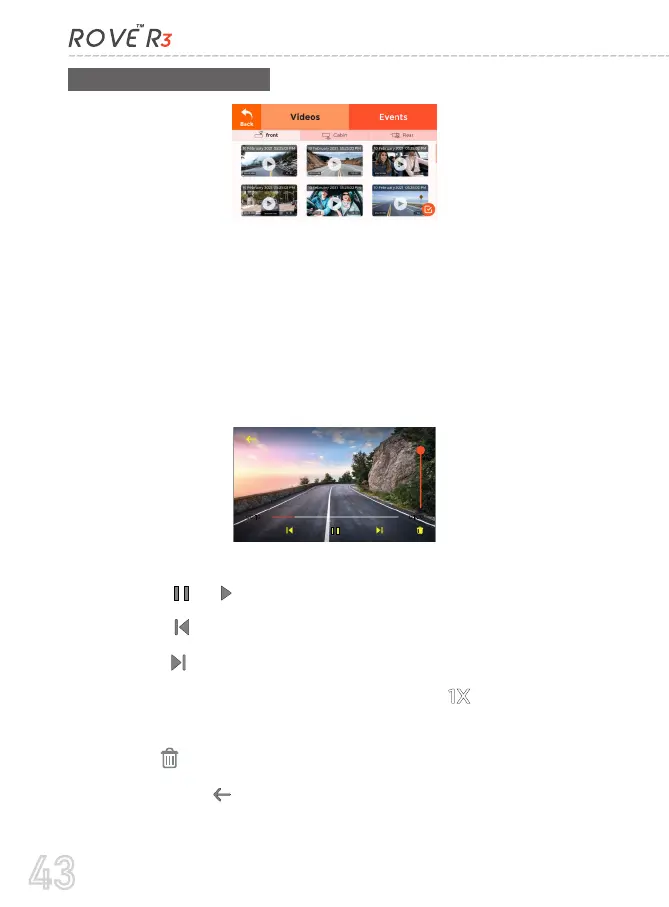
On top you will see two main menus.
Videos - this is where normal videos are stored.
Events - this is where locked videos are stored.
•
Under Videos, you will see 3 separate folders for the front, cabin,
and rear videos.
•
•
•
•
•
•
•
Select the video file you want to play.
Touch the or to Pause/Play the video.
Touch the to move to the Previous video file.
Touch the to move to the Next video file.
While the video is being played, Touch the to FF the video
playback up to 16X.
Press the if you want to delete the current video
Touch the back button to return to home screen.
1X
43



 To Next Page