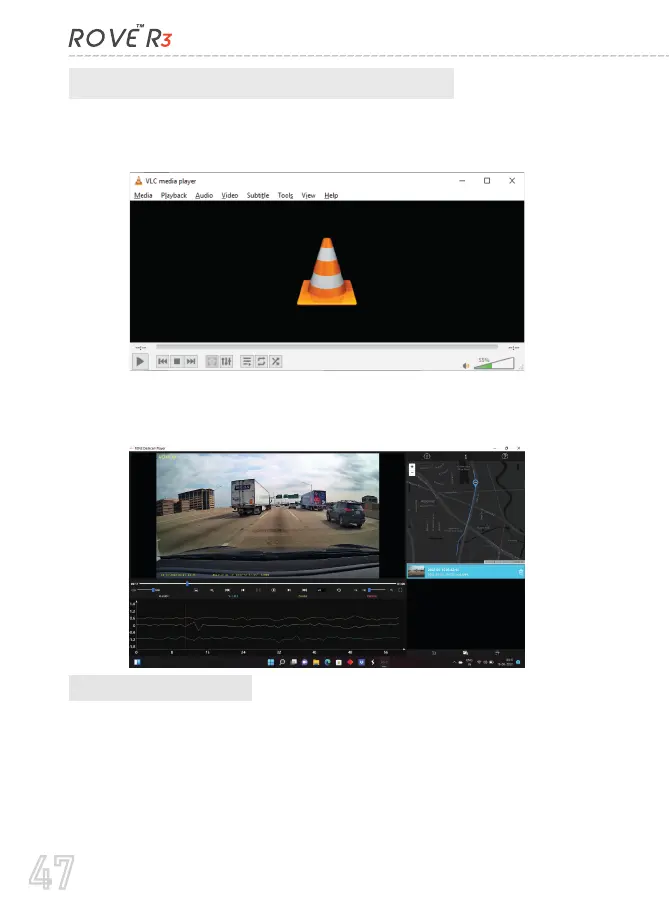
Correct Video Player To Play 4K VIDEOS:
We recommend VLC Media player. You can get it free at
www.videolan.org .
You can also use our GPS Player from our website for free to view
the google maps from www.rovedashcam.com
C. On Smart Phone
To play on Smart Phone, simply turn on WiFi first from the camera,
then connect the ROVE R3 WiFi by entering the default password
“12345678”
Once connected, simply open the correct ROVE APP for your
iOS/Android
(For more step by step instructions about WiFi feature see page 36 for details)
47



 To Next Page