170
Satellite Navigation
ENTERING A DESTINATION
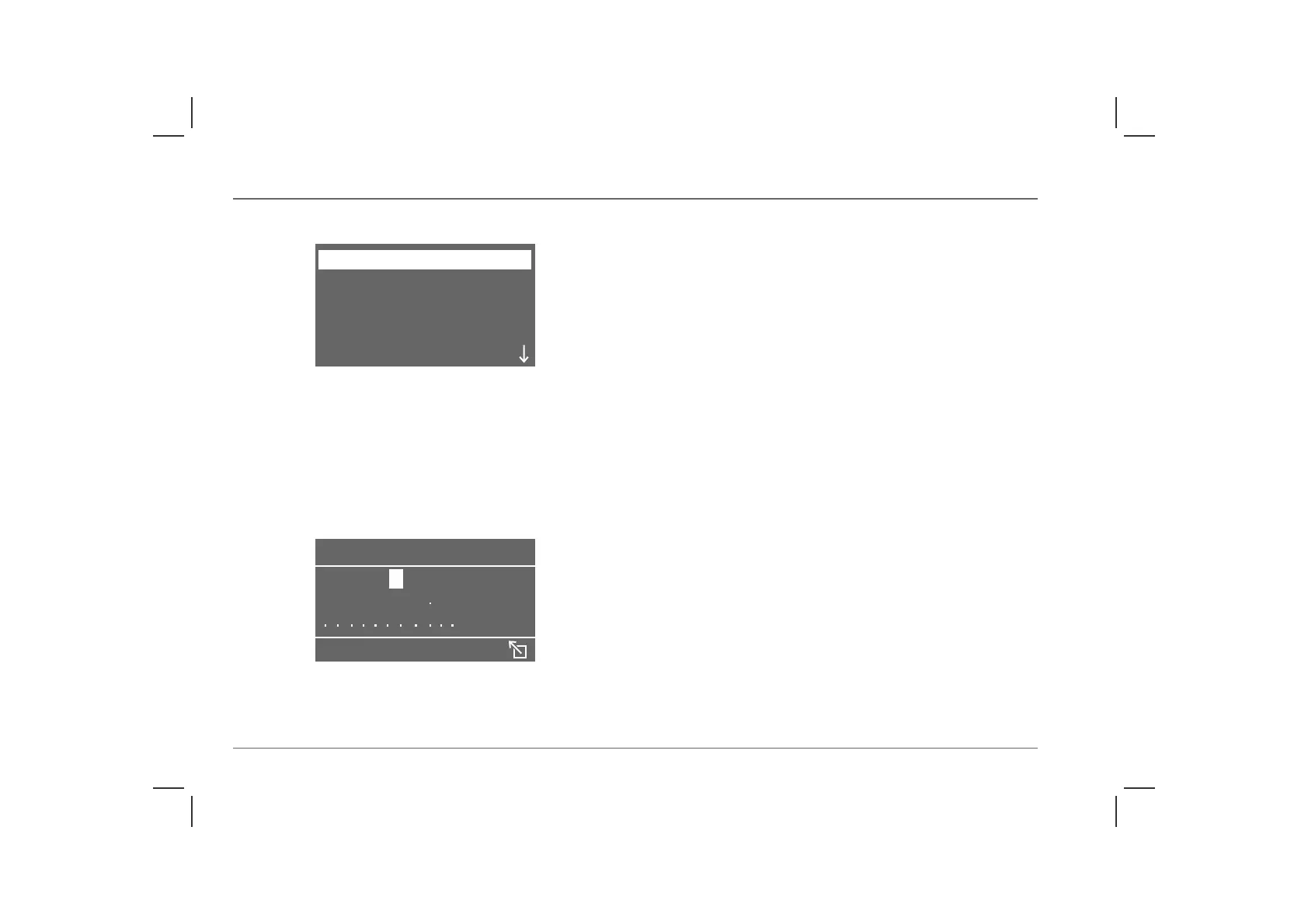
With the navigation system turned on, turn the menu select
control until ‘ENTER DESTINATION’ is highlighted, then
press the control to select.
In most markets, the country is read from the navigation CD as a
default setting and is entered automatically. If this does not occur
a ‘typewriter’ menu appears and it will be necessary to enter the
country name manually as you would the town or city, as follows:
Using the menu select control, highlight the ‘CITY?’ option, and
then press the control to select. A ‘typewriter’ menu appears in the
display.
Rotate the menu select control until the first letter of the town or
city is highlighted, then press the control to select. Repeat this
procedure until the full name of the country has been entered,
then highlight ‘ENTER’ and press to select.
NOTE: On the typewriter menu, the left pointing arrow deletes the last
selection, the right pointing arrow creates a space, and a dot replaces an
invalid letter or number.
As an aid to the selection process, when entering a name, the
navigation computer automatically displays only the letters that,
according to the computer, could follow the preceding letter to
give a valid name. Once the navigation computer has been
provided with enough information, the system may suggest a
completed name before it is fully entered manually.
Repeat this procedure to enter the road name and, if possible, the
house number of your destination.
NOTE: The navigation system can only give information on your
destination when a valid country and town have been entered.
Using the index
By highlighting and selecting ‘INDEX’ after entering a few letters
of either a town or road name, the relevant part of the index is
displayed. Rotate the menu select control to scroll through the
index until the correct destination is highlighted, then press the
control to select.
ADDRESS BOOK
POSITION INFO
DESTINATION INFO
ENTER DESTINATION
H2862
ABCDEFGHIJKLMNOHIJKLMNOABCDEF
PQRSTUVW YZ
INDEX
CITY?
H2863



 To Next Page