Satellite Navigation
173
3
ROUTE INFORMATION
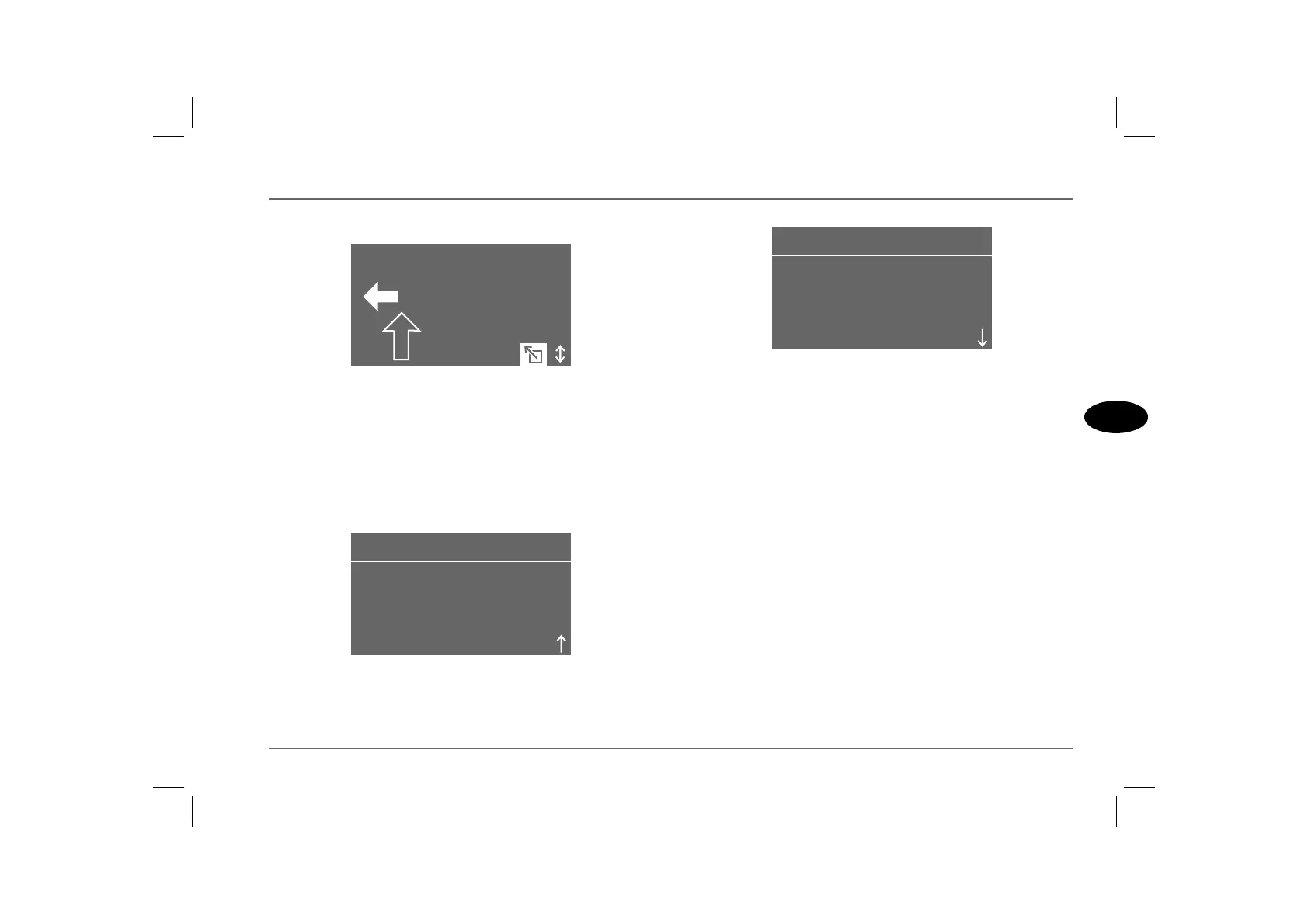
After the chosen route method is selected, the navigation
computer displays the distance to the next relevant junction and
the direction which should be taken at that junction (a solid
arrow).
From this screen, rotate the menu select control anti-clockwise to
view the route information screen, which provides the following
information:
• Distance to destination.
• Remaining time to destination (estimated).
• Route preference (via motorways etc.).
Rotate the menu select control clockwise (for two ‘notches’) to
view the vehicle position screen, which states the country, town
and road of the car's current position.
350 m
HOWARD ST .
H2874F
REM. TIME 0:16
DISTANCE 6.5
ROUTE INFORMATION
SHORTEST ROUTE
H2869
OXFORDSHIRE
UNITED KINGDOM
VEHICLE POSITION
ROMAN WAY
H2868



 To Next Page