172
Satellite Navigation
Route preference
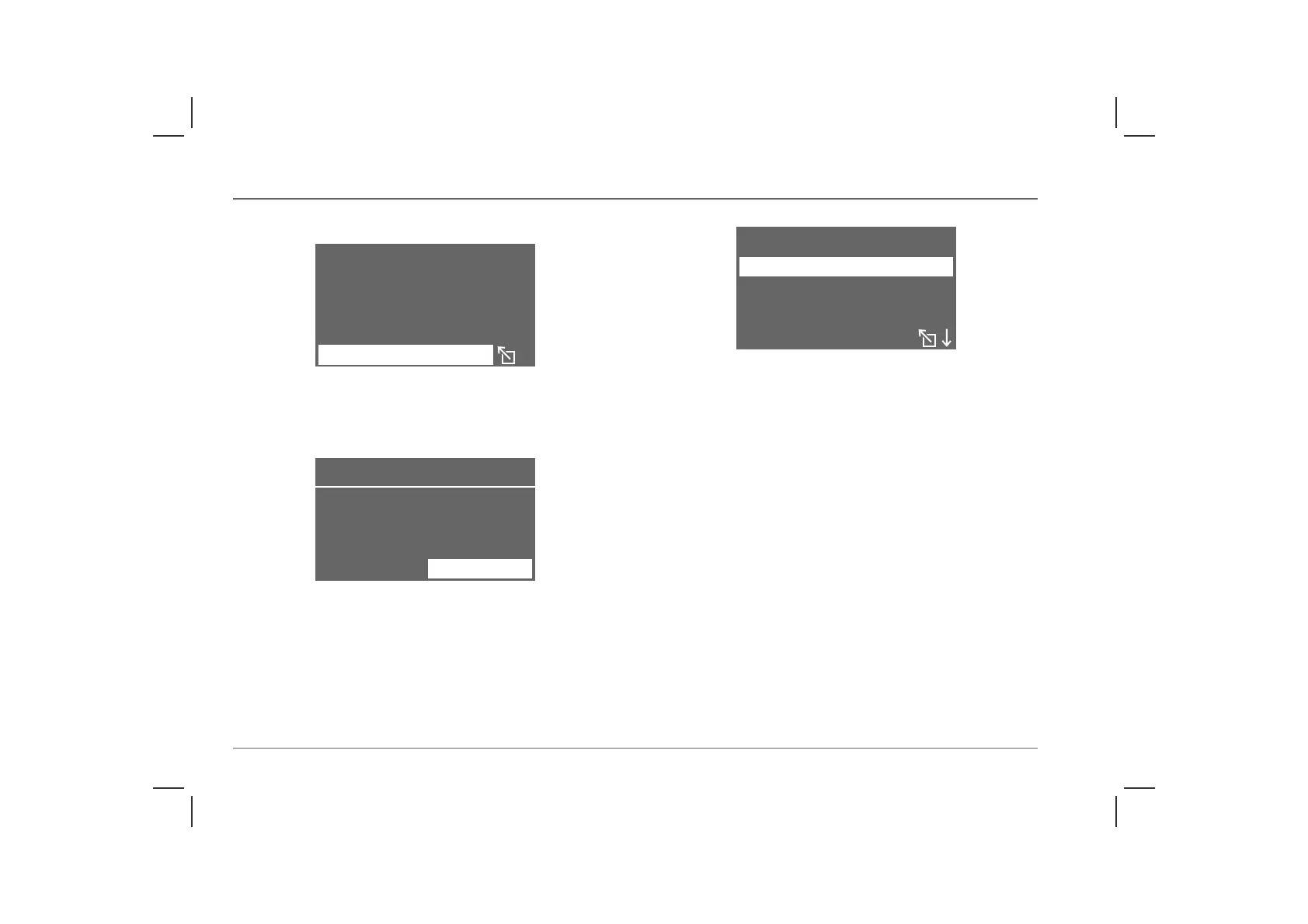
After selecting the chosen destination, highlight and select
‘DEST.GUIDE’. The navigation computer asks whether you wish
to travel using the last selected preference (see below).
If the last route preference is still valid, highlight and select ‘YES’.
If you do not wish to use the last route preference, highlight and
select ‘CHANGE’. You can now choose one of four methods;
highlight and select your choice.
• ‘SHORTEST ROUTE’ - this selection plots the shortest route
possible (in terms of distance).
• ‘QUICKEST ROUTE’ - this selection plots your route using
the fastest roads and avoiding town centres etc.
• ‘VIA MOTORWAYS’ - motorways and main arterial roads
are given priority.
• ‘AVOID MOTORWAYS’ - motorways are avoided,
wherever possible (to select ‘AVOID MOTORWAYS’ it is
necessary to scroll down to the next screen of the menu).
Highlight and select your preferred choice of route.
NOTE: The navigation system plots routes according to the road
information and characteristics stored on the navigation CD. Therefore, the
route suggested by the navigation system may differ from the route that may
be expected.
O. -ABINGDON
RADLEY RD.
UNITED KINGDOM
DEST . GUIDE
H2866
SHORTEST ROUTE
USING
ROUTE PLANNING
YES
H2922
CHANGE
SHORTEST ROUTE
QUICKEST ROUTE
VIA MOTORWAYS
ROUTE SELECT.
H2867



 To Next Page