76
Trip Computer
Trip Computer
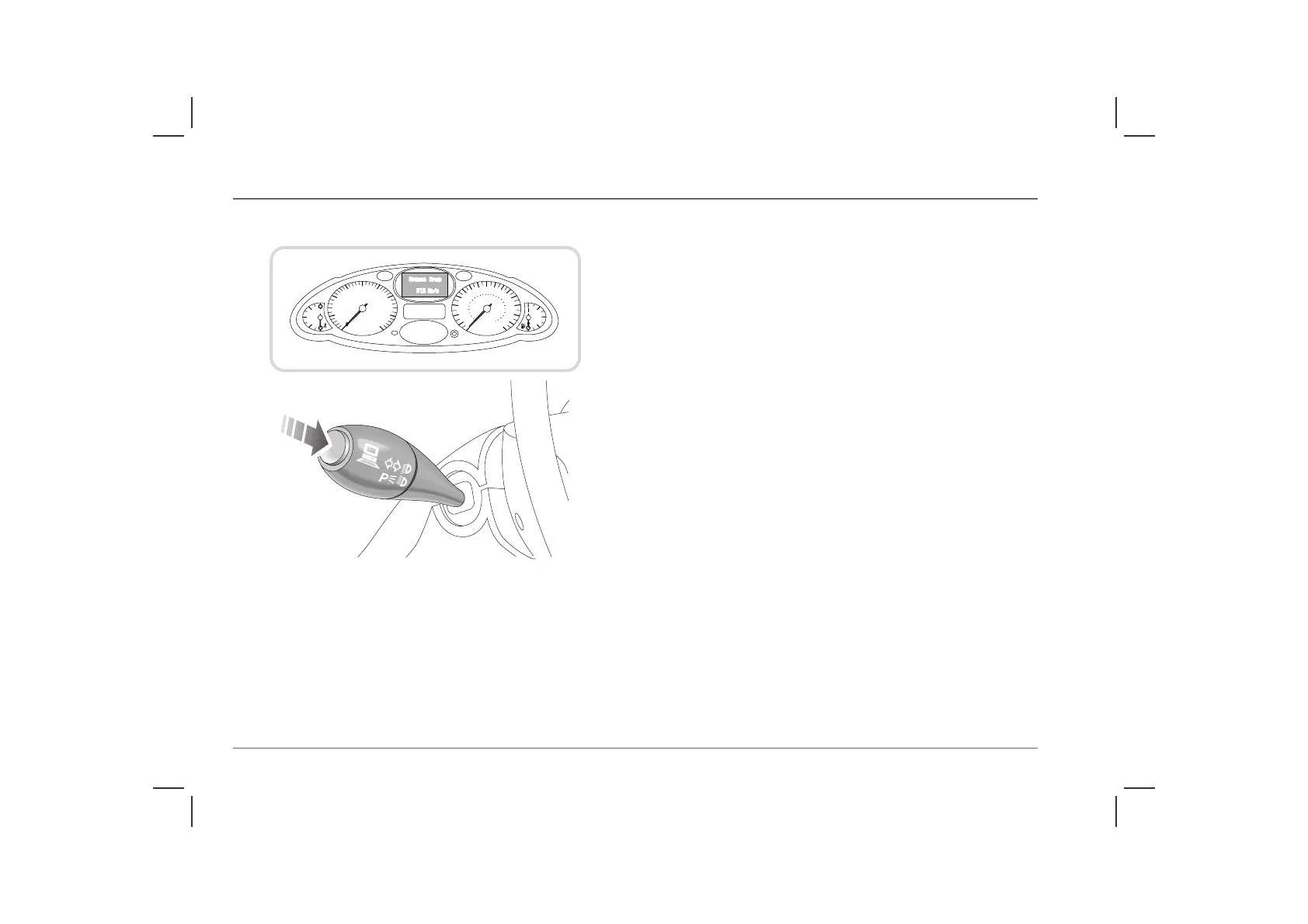
TRIP COMPUTER - FUNCTION SELECTION*
The trip computer utilises the message centre on the highline
instrument pack only and provides valuable information to assist
the driver to calculate fuel stops, journey times and distances.
When the starter switch is turned on, the different trip computer
functions can be selected by pressing the button on the end of the
left-hand column stalk. Repeated pressing of the button causes the
display to scroll through the following possible selections.
• Trip distance 2
• Range (distance to tank empty)
• Average consumption (fuel)
• Average speed
• Limit (overspeed)
By pressing and holding the button for longer than 2 seconds, the
selected display can be reset (not ‘range’).
When a trip computer feature is selected, it will be displayed until
another trip computer feature is selected, or until the trip
computer is switched off. However, note that the message centre
is also used to display warning messages and these will
automatically override the trip computer display (see ‘Warning
messages’, page 77).
Trip distance 2
The trip computer has a unique trip recorder facility (‘trip recorder
2’), which is separate from the standard trip recorder. The two are
not linked.
H2802a



 To Next Page