Satellite Navigation
175
3
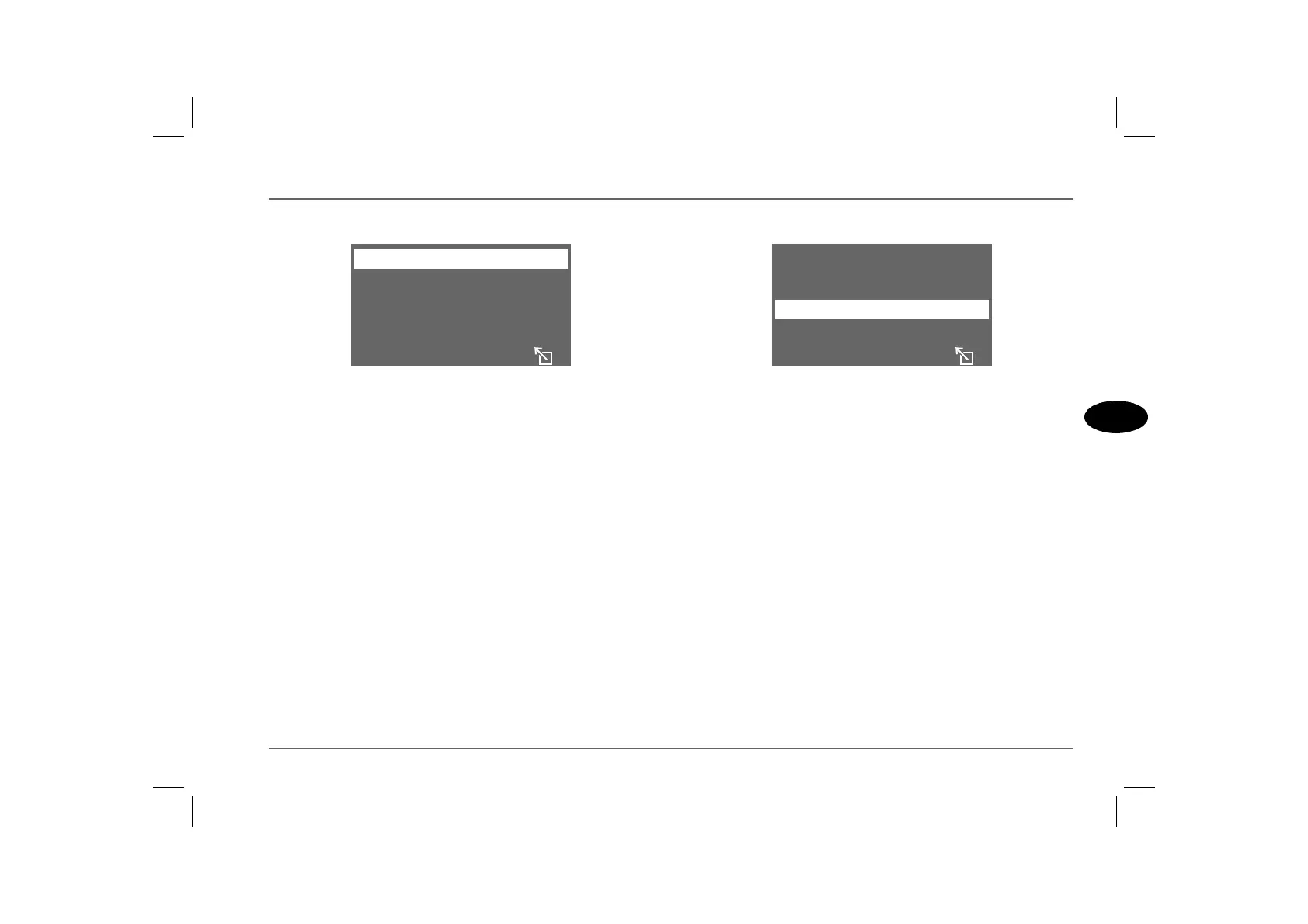
Retrieving an address
From the address book menu, highlight and select ‘RETRIEVE
ADDRESS’. The address that was last entered into the address
book is displayed (along with an arrow to indicate that there are
other addresses listed), as a default. Use the menu select control to
scroll through the addresses until the correct one is displayed, then
highlight and select ‘RECALL’. The destination guide screen is
then displayed (‘DEST.GUIDE’), see ‘Route preference’, page 172.
Deleting an address
To delete an entry from the address book, highlight and select
‘DELETE ADDRESS’ in the address book menu. Use the menu
select control to scroll through the addresses until the correct one
is displayed, then highlight and select ‘DELETE’. The display
returns to the address book menu. If you decide not to delete any
of the addresses, highlight and select the ‘Escape’ icon.
ENTER ADDRESS
RETRIEVE ADDRESS
H2929
DELETE ADDRESS
LAST DESTINATION
ENTER ADDRESS
RETRIEVE ADDRESS
H2927
DELETE ADDRESS
LAST DESTINATION



 To Next Page