Satellite Navigation
177
3
INFORMATION ON LOCATIONS
A large number of facilities associated with your current location,
or any listed destination town or city are stored on the navigation
CD (e.g. hotels, airports, museums etc). These facilities can be
viewed and, if desired, can then be selected as your destination.
Information on current locations
This option can be used to find facilities closest to the car’s current
position; the nearest petrol station for example.
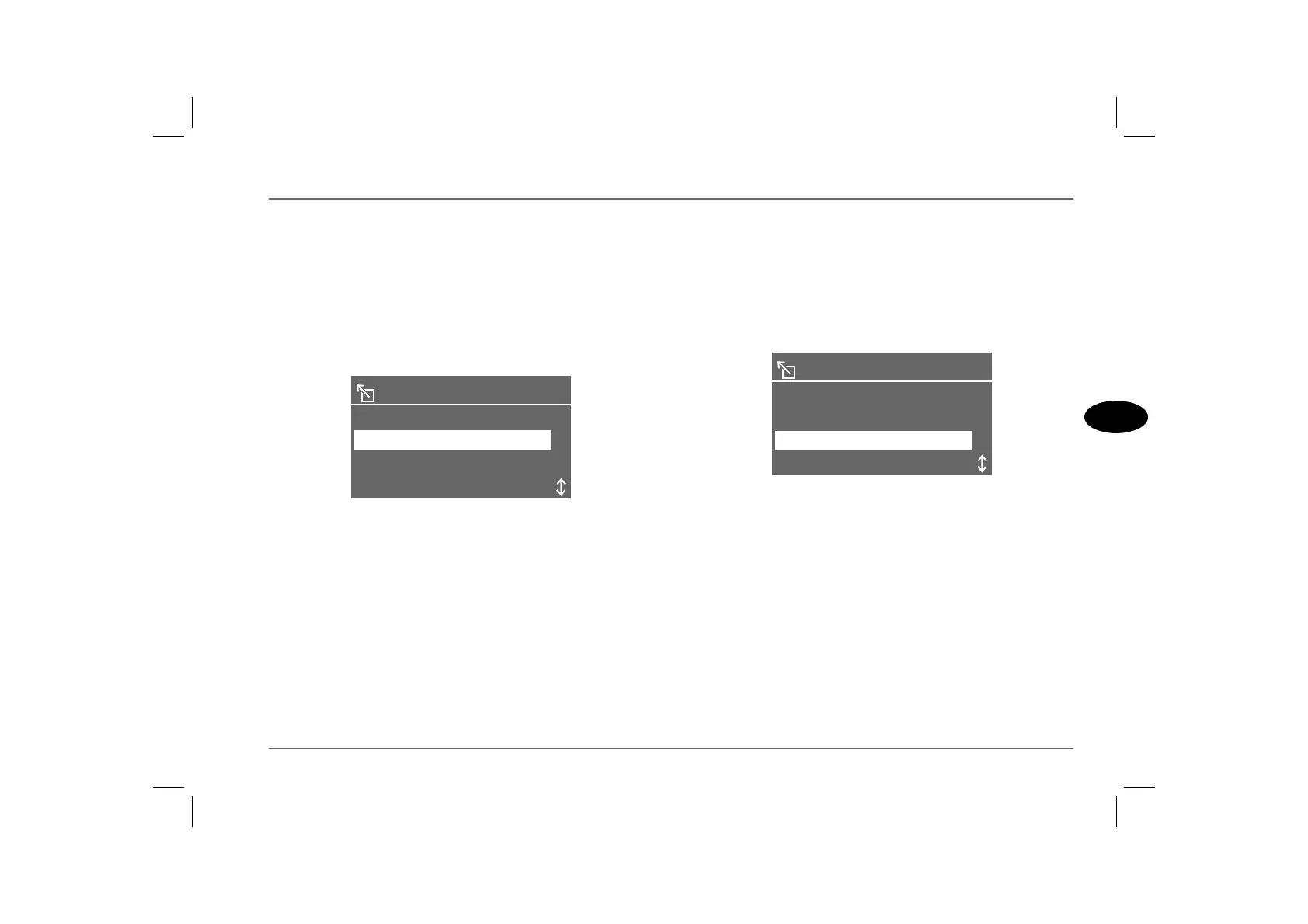
From the main menu, highlight and select ‘POSITION INFO’ to
display an alphabetical list of facilities.
Scroll through the list, then highlight and select the desired facility
(e.g. petrol stations), to display a list of up to ten of the closest
petrol stations.
Scroll through the list until the petrol station of your choice
appears in the display, then highlight and select ‘RECALL’ to
enter it as your new destination. The new destination appears in
the display with ‘DEST. GUIDE’ highlighted. Select
‘DEST.GUIDE’ if you wish to alter your route to the destination
(see ‘Route preference’, page 172).
Information on your destination
Having entered a destination town or city, highlight and select the
escape icon to return to the main menu. Highlight and select
‘DESTINATION INFO’ from the main menu to display the
destination and ‘DEST. INFO’.
Highlight and select ‘DEST. INFO’, to display an alphabetical list
of facilities in the vicinity of your destination.
Scroll through the list, then highlight and select the desired facility
(e.g. hotels) to display the ‘typewriter’ menu. Use the typewriter
menu to enter the hotel name, if known, or highlight and select
the index prompt to display a list of all the hotels close to your
destination.
Scroll through the list until the hotel of your choice appears in the
display, then highlight and select ‘RECALL’ to enter it as your
new destination. The new destination appears in the display, with
‘DEST. GUIDE’ highlighted. Select this prompt if you wish to
alter your route to the destination (see ‘Route preference’, page 172).
PARK / FITNESS
POSITION INFO
RAILWAY STATION
H2871
RESTAURANT
PETROL STATION
HOSPITAL
GOLF COURSE
DEST . INFO
MONUMENT
H2924
HOTEL



 To Next Page