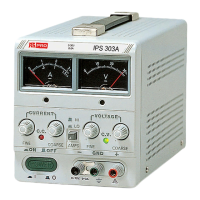
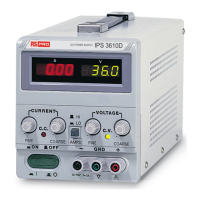
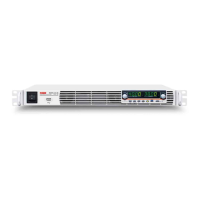
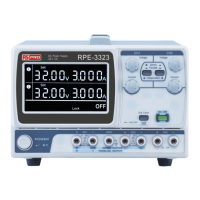
(1) Single Operation
Use the supply as it is for single operation.
A. Set power switch to “OFF” position.
B. Make sure that line voltage is correct for the input power voltage.
C. Plug power cord into the power outlet.
D. Set power switch to “ON” position.
E. Adjust “Voltage” and “Current” control to the desired output voltage and current.
F. Connect the external load to the output binding posts. Make sure both “+” and “ ” terminals are connected
correctly.
(2) Series Operation (only applies when using identical models)
Two power supplies can be connected in series to provide a higher voltage and rating current output. See Fig. 4-2 for
the connection scheme.
A. Set power switch to “OFF” position.
B. Set the “MASTER” power supply INT-SLAVE switch to “INT” position and set the “SLAVE” power supply
INT-SLAVE switch to “SER-SLAVE” position.
C. Connect the “MASTER” power supply “SER” output terminal to the “SLAVE” power supply “SER” input.
D. Set power switch to “ON” position.
WARNING: Voltages of more than 60V DC are a lethal shock hazard to the user. Be
careful when connecting power supplies in series to achieve voltages higher than 60V DC
total or 60V DC between any connection and earth ground.



 To Next Page