SECURITY CAMERA User Manual
WWW.RSRTENG.COM Page.96.
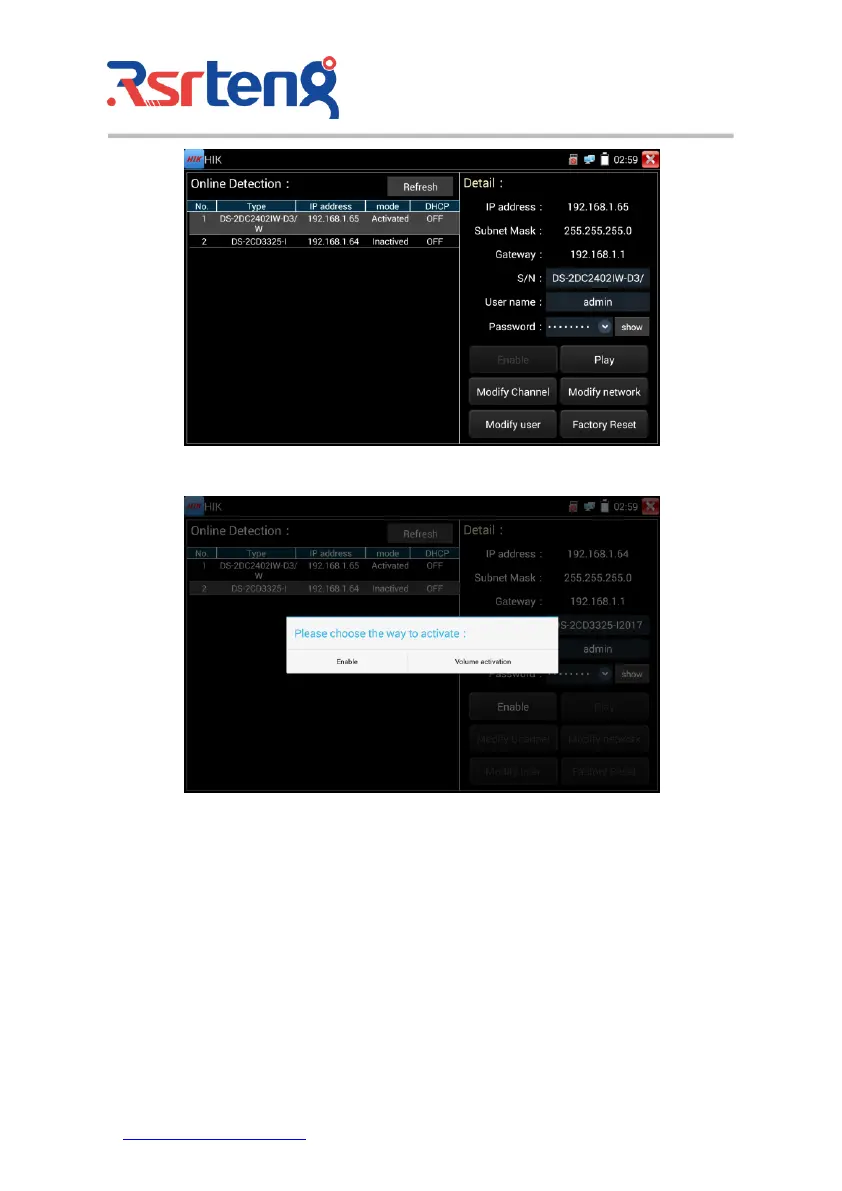
"Activation" and "Batch activation" are optional.
Auto open ONVIF protocol: After activation, the new HIK cameras click "play, modify the channel
name, modify network information, modify user information" any one of to auto open the selected
camera ONVIF protocol.
Play: Security status shows the "activated" camera. Enter the correct camera password in the right
[password] and click [play] to pop up the "private protocol" or "speed ONVIF" two options. Select the
protocol you need to see the camera images.



 To Next Page