SECURITY CAMERA User Manual
WWW.RSRTENG.COM Page.97.
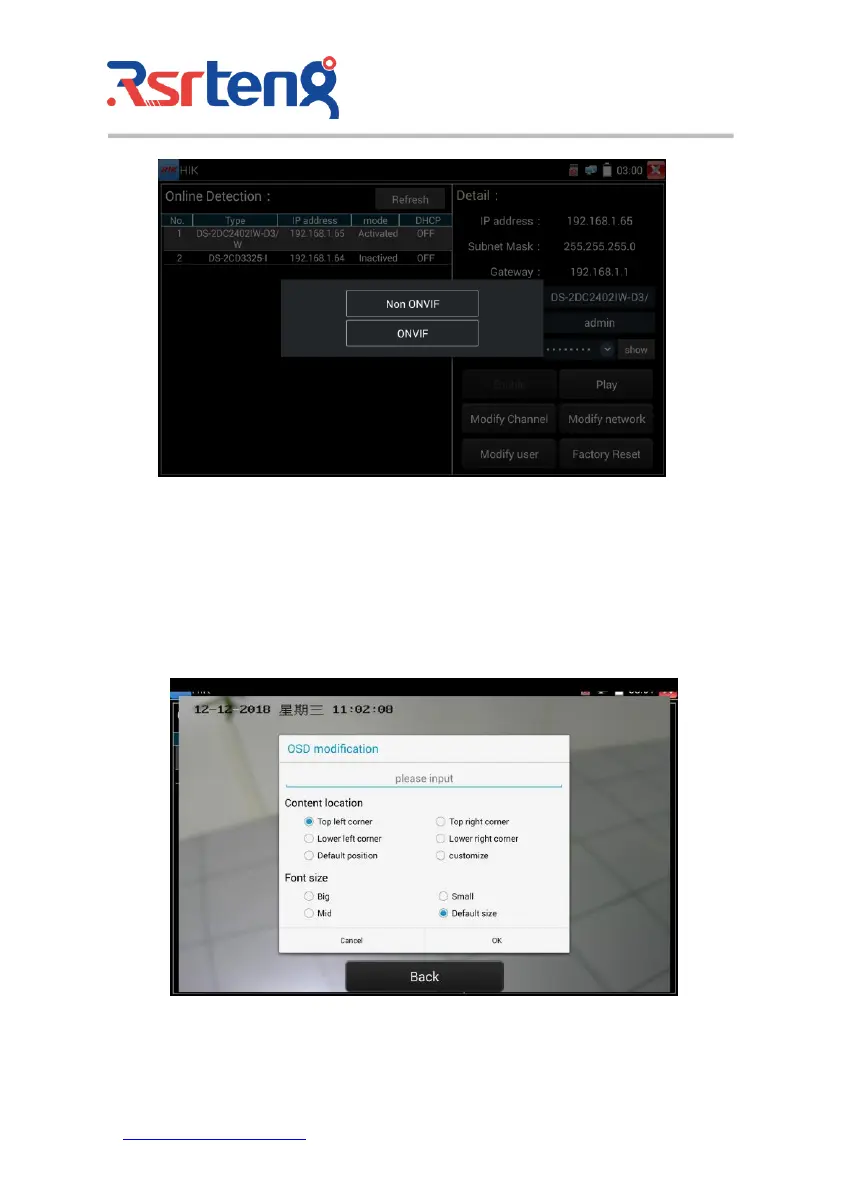
Modify channel name: Clicking "Modify the channel name" will pop up OSD settings, including time,
channel name and other optional items.
After channel selecting, you can edit the channel name, modify the display position, and switch the font
size. Select "default location" in "content location" is without modification. Select "Customization" to
arbitrarily adjust the channel name and display location. Click"OK"and the effects will appear. Press
return key or click any area of the screen to return to the upper layer of the interface.



 To Next Page