SECURITY CAMERA User Manual
WWW.RSRTENG.COM Page.36.
(1) Snapshot
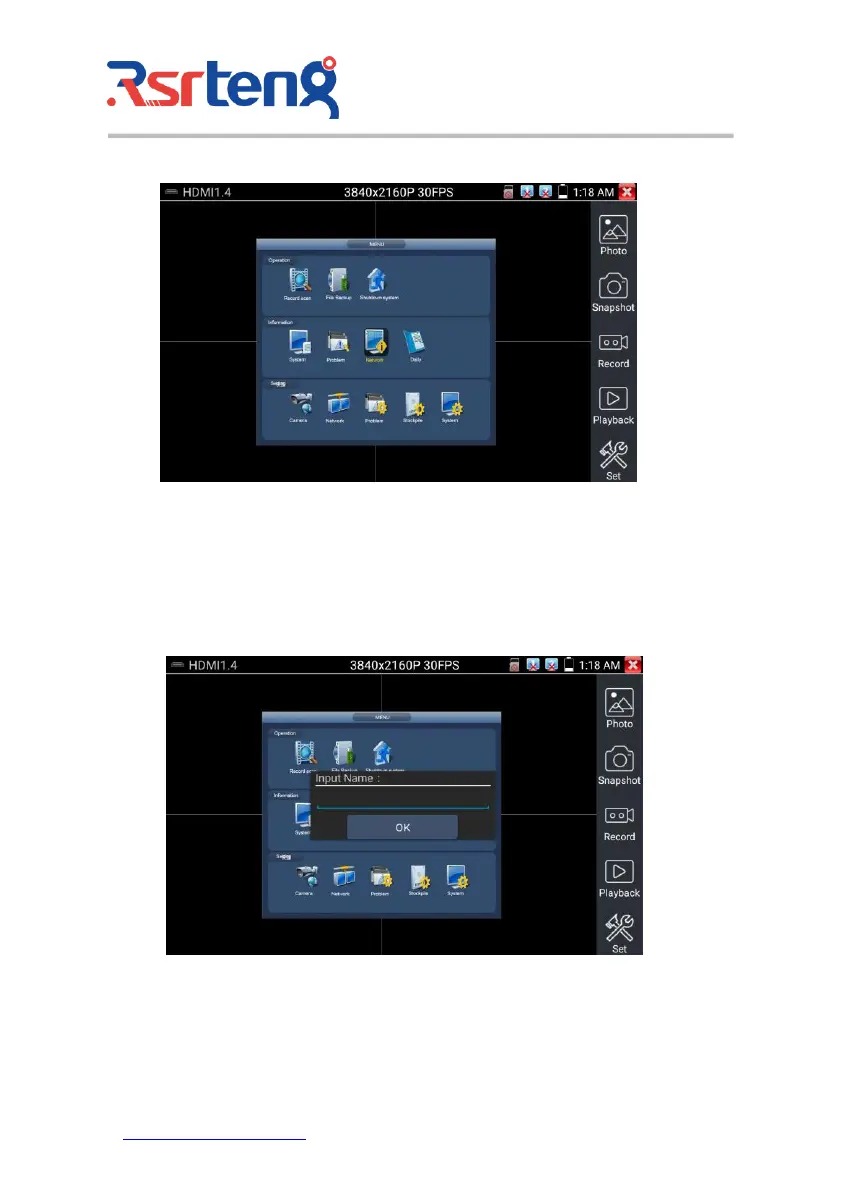
Click the icon "Snapshot", when the video in, to take a picture and save the current video frame in the
SD card as JPEG file.
If the unit is set to the manual mode an "Input Name" pop up box will appear and you can enter a title
for the snapshot. If the unit is set up to automatically set file names, this box will not pop up.
(2) Video record
When you click the "Record" icon, video starts recording. A red recording icon appears on the screen
and begins to flash and a timer appears indicating the time elapsed for the video. Click on the "Record"



 To Next Page