SECURITY CAMERA User Manual
WWW.RSRTENG.COM Page.37.
icon again to stop recording and save the video file to the SD card.
if select manual storage, before recording begins, appears dialog box "Input Name", user-defined the
files name(by Chinese character, English letter or digit) to store in SD card, tester will hereby store the
files in SD card after recording. if select "Auto-storage", tester will auto store the files in SD card after
recording.
(3)Photo
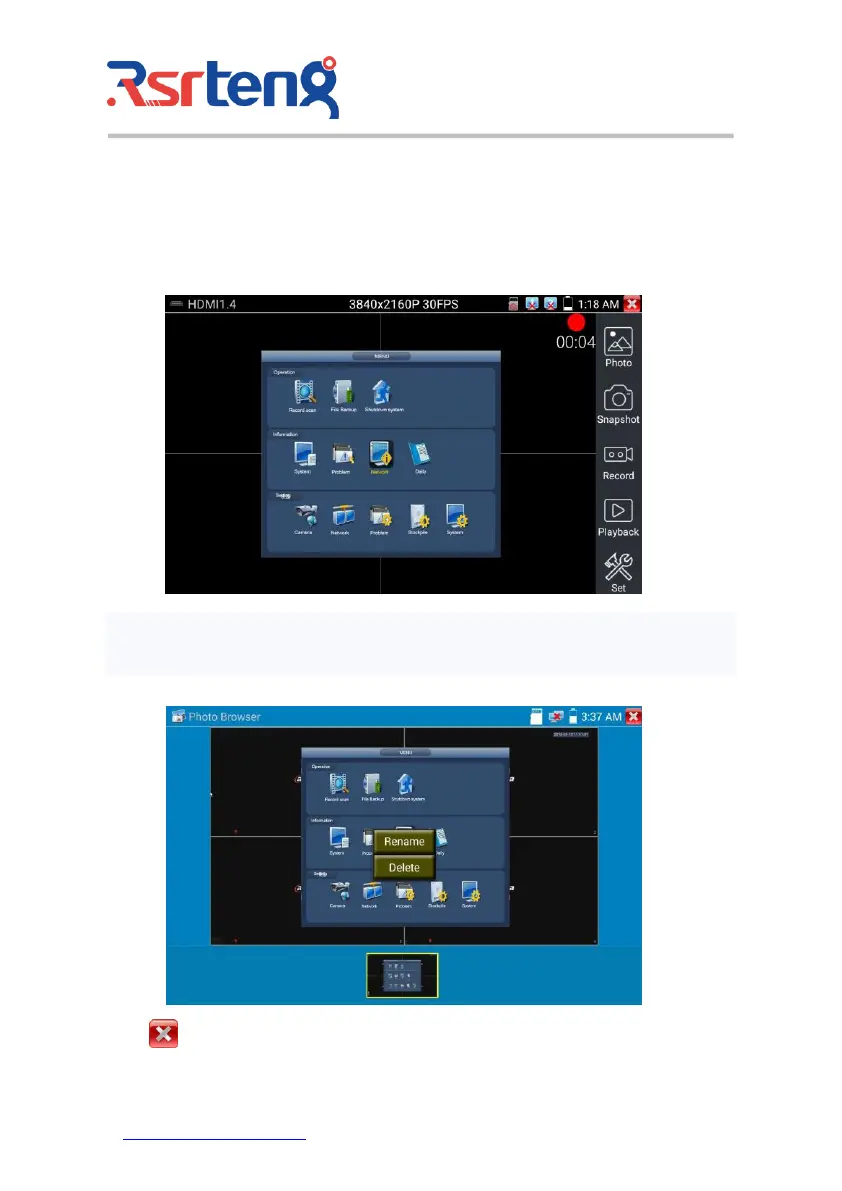
Click the icon "photo" to enter, click the selected thumbnail photo to display it on the screen.
Double-tap the image you want to view to make it full screen. Double-click again the photo to return.
To rename or delete an image, click and hold on the file until this screen below appears
Click to close and return to PTZ controller.



 To Next Page