ECT Series User Manual
17
2.2.15 0x200F Internal status code
This object displays the current status code of the driver, and each bit of the object corresponds
to a status.
2.2.16 0x2010 Position cleared
Setting the object to 01h can clear the position value (position actual value) in 0x6064.
It is usually used when the motor is always moving in one direction. The user needs to stop the
motor at an appropriate time, clear the actual position value through this object, and then
enable the motor again. Otherwise, the motor position counter will be saturated.
2.2.17 0x2011 Control mode
Set the working mode of the stepper motor.
0—— open loop
1—— closed loop
2—— closed loop / FOC mode
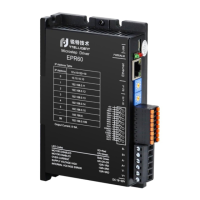
ECR60 can only work in open loop mode, setting other values is invalid.



 To Next Page