EasyManua.ls Logo

Rtelligent R86 - User Manual

Rtelligent R86
13 pages
Print Icon
To Next Page IconTo Next Page
Loading...
R86 User Manual
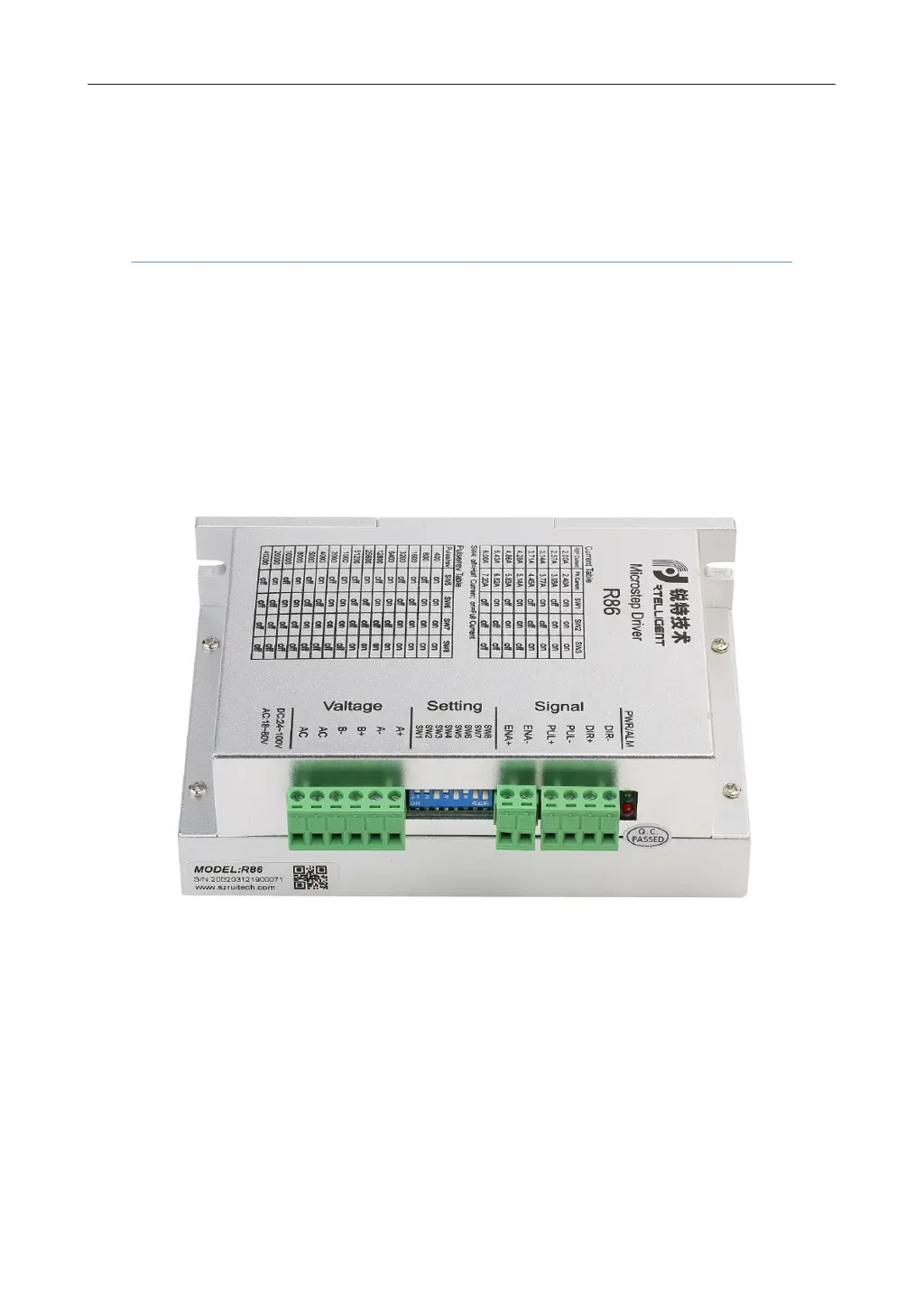
Digital Stepper Driver R86
User Manual
Shenzhen Rtelligent Mechanical Electrical Technology Co.,ltd

Questions and Answers

Summary

Product Overview

Application Environment and Installation

Environmental Requirements

Specifies environmental conditions for proper operation, including dust, oil, and humidity limits.

Driver Installation Dimensions

Provides physical dimensions and mounting details for the driver unit.

Driver Installation Requirements

Outlines necessary steps and precautions for installing the driver securely and ensuring proper cooling.

Driver Port and Connection

Port Function Descriptions

Details the purpose and grade of each port on the driver unit for power and signals.

Power Supply Input

Explains voltage and current requirements for the driver's power supply, including AC/DC options.

Motor Connection

Describes how to connect different types of stepper motors (4, 6, 8 wire) to the driver.

Control Signal Connection

Covers connection methods for pulse, direction, and enable signals from controllers.

DIP Switch and Operating Parameter Settings

Current Setting

Explains how to set the output current using DIP switches SW1, SW2, and SW3.

Pulse Per Revolution Setting

Details how to configure micro-stepping resolution using DIP switches SW5, SW6, SW7, and SW8.

Half;Full Current Selection

Describes the function of DIP switch SW4 for static current control when the motor is stopped.

Driver Working Status LED Indication

Common Faults and Troubleshooting

Guarantee Clause

Rtelligent R86 Specifications

General IconGeneral
BrandRtelligent
ModelR86
CategoryControl Unit
LanguageEnglish

Related product manuals