AUDIO DISTRIBUTION
Technical Support: support@rticontrol.com - Customer Service: custserv@rticontrol.com 16
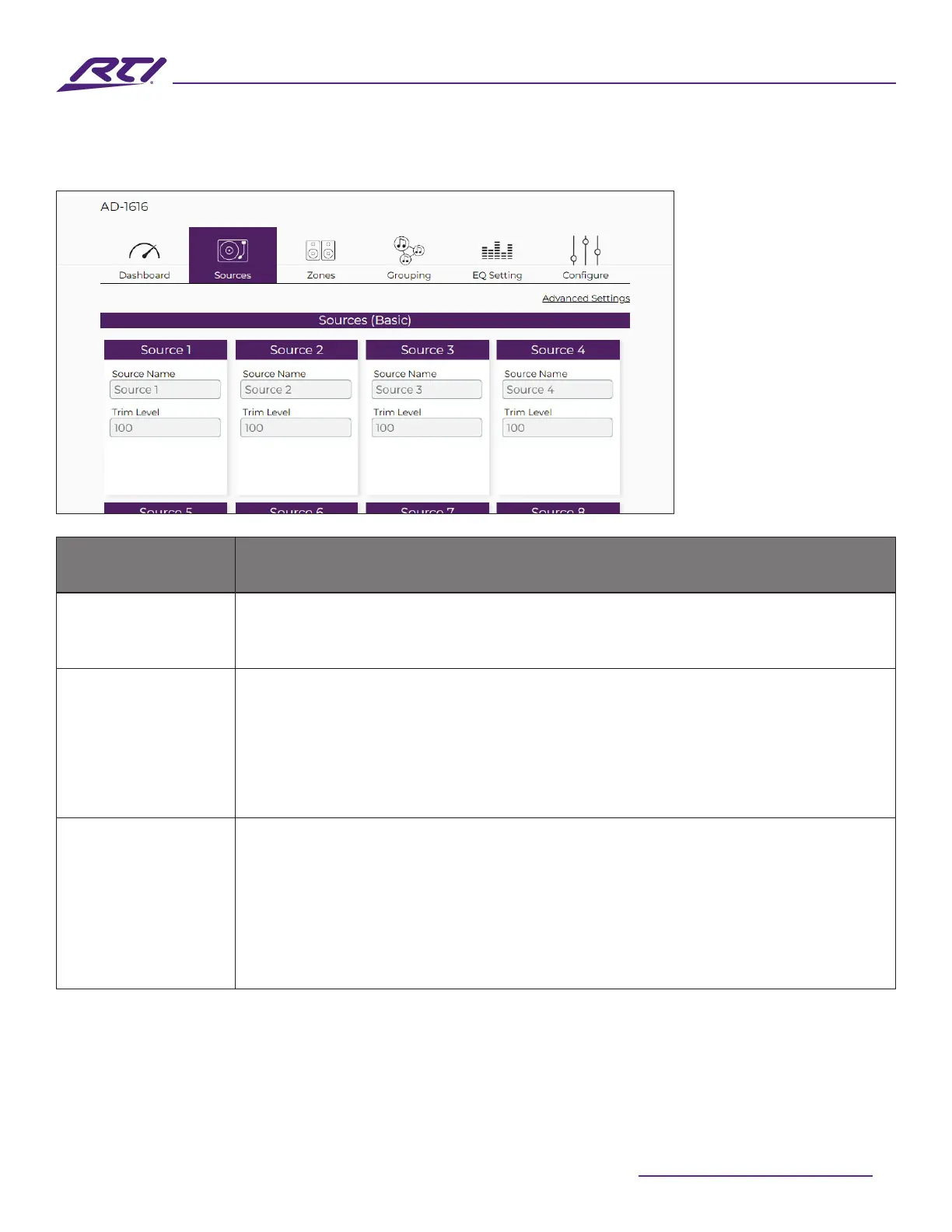
Sources (Basic)
Option Description
Source Name
The source name can be modied to help identify or dene a source. The name
entered here will be visible in various locations of the GUI where sources are
referenced.
Trim Level
The audio level of each incoming source can be trimmed down and adjusted to
reduce the input level of overdriven sources, or for personal tastes. Input a value
between 0 and 100. Optionally, the keyboard up and down arrow keys can be
used to increment and decrease each value by 1 between 0 and 100. Optionally,
the keyboard up and down arrow keys can be used to increment and decrease
each value by 1.
Source Type
Each matrix has a limited number of digital inputs that can be assigned. These
digital connections are available for inputs 9-16 on the AD-1616. For these source
inputs, users can choose between the following options:
• Analog: Uses the assigned input’s analog input.
• Optical: Uses the assigned input’s optical TOSLINK style S/PDIF input.
• Coaxial: Uses the assigned input’s coaxial RCA style S/PDIF input.



 To Next Page