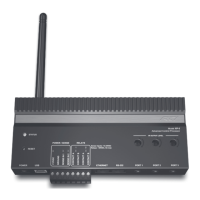
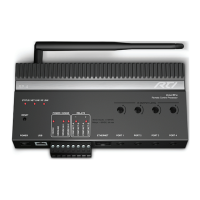
Advanced Control Processor
XP-8
38
Operation ........................................................................ 23
Backlight Button ............................................................ 23
Change Local Settings Using Display/Menu ....................... 24
Display Menus............................................................... 24
Front Panel Lockout ....................................................... 24
Macros ......................................................................... 29
Main Menu.................................................................... 25
Diagnostics ............................................................. 27
Setup ..................................................................... 28
Status .................................................................... 25
Processing Rules ........................................................... 29
Reset Button ................................................................. 23
Setting the Time ........................................................... 23
Setting the Zone Code ................................................... 23
Standalone IR codes ...................................................... 29
Product Contents .............................................................. 10
Programming the XP-8 ...................................................... 12
Safety Suggestions ............................................................. 4
Service and Support ......................................................... 35
Contact RTI .................................................................. 35
Technical Support .......................................................... 35
Specications ................................................................... 31
Troubleshooting ................................................................ 33
Unpacking and Inspection .................................................. 10
USB Programming Port ...................................................... 13
INDEX


 To Next Page