38
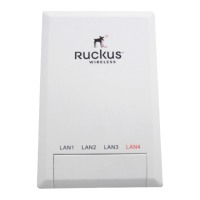
Configuring the Multimedia Wi-Fi Wall Switch
Configuring Wireless Settings
Using WEP
CAUTION: WEP encryption has been proven to be easily circumvented. Therefore,
Ruckus Wireless recommends using WPA whenever possible, and only use WEP if your
client devices do not support WPA.
CAUTION: Do not customize these options unless you are an experienced network
administrator or are under the guidance of an IT/support professional.
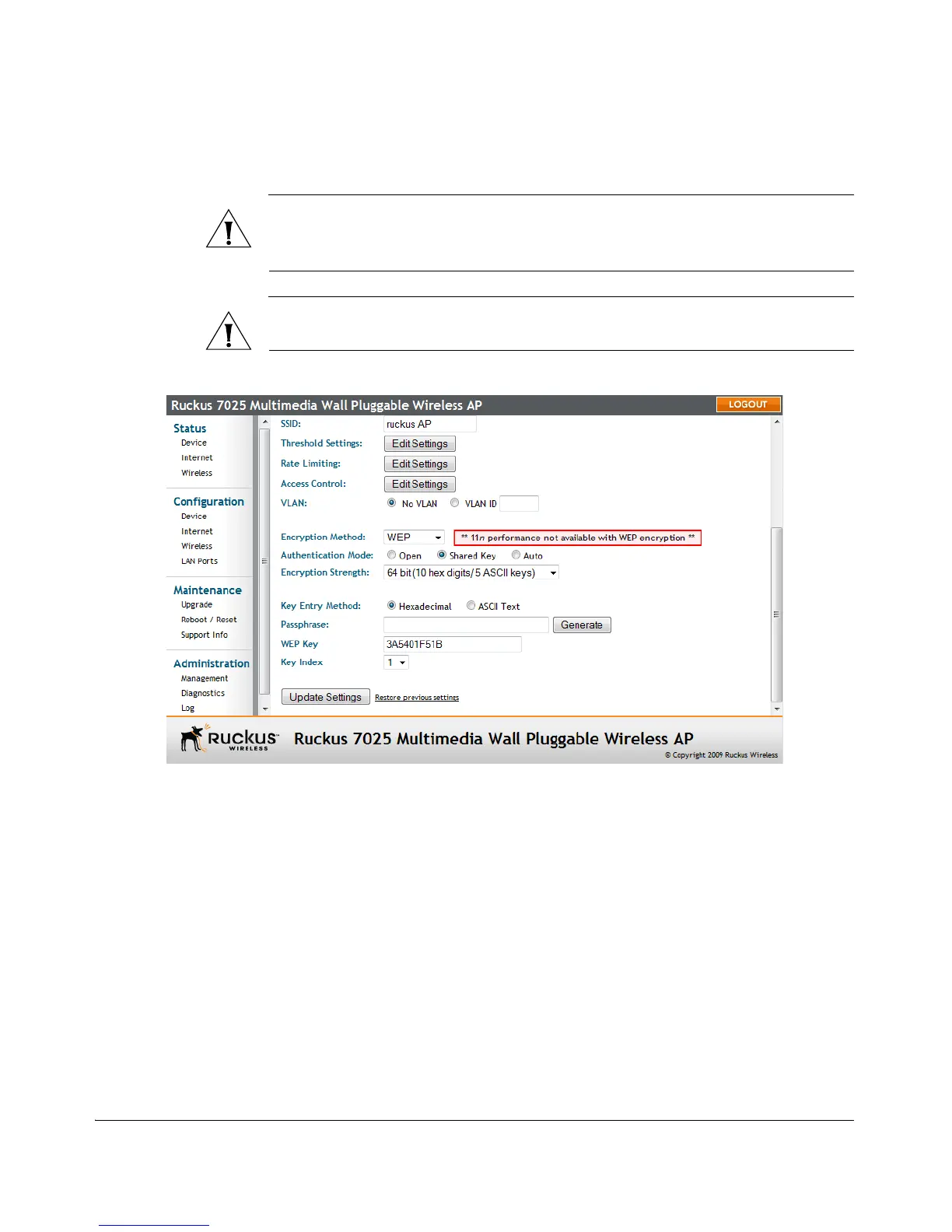
Figure 22. WEP settings
To configure WLAN-specific WEP encryption settings
1. Go to Configuration > Wireless. The Configuration :: Wireless :: Common page
appears.
2. Click the Wireless # tab that you want to configure. The Configuration :: Wireless
:: Wireless[#] page appears.
3. Click the Encryption Method menu, and then click WEP. An additional set of WEP-
specific encryption options appear on this page.



 To Next Page