Configuring Internet Settings
Configuring an NTP Server
ZoneFlex P300 Wireless Bridge User Guide, 800-70956-001 Rev B 41
Configuring an NTP Server
A network time protocol (NTP) server should be configured to ensure that the
ZoneFlex P300 maintains the correct time. The default Ruckus Wireless NTP Server
(ntp.ruckuswireless.com) can be used if you do not have an NTP server on your
network.
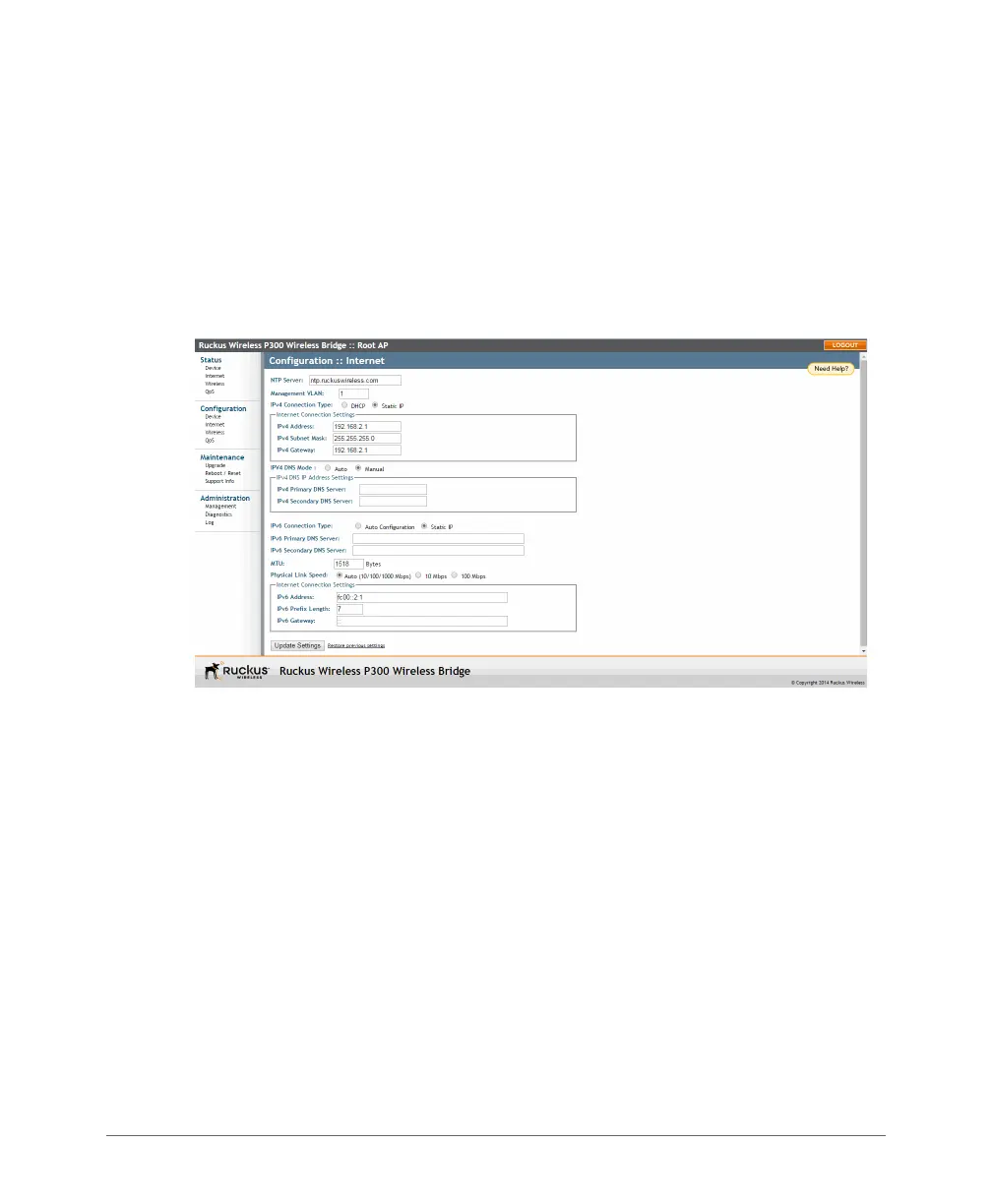
1 Navigate to Configuration > Internet. The ZoneFlex P300 Web GUI displays
the Configuration > Internet page (Figure 18).
Figure 18. The Configuration > Internet page
2 Enter the host name in the NTP Server text box at the top of the page.
3 Click Update Settings to have the ZoneFlex P300 save and apply your change.



 To Next Page