Scanning for Interference
Saving a Copy of a Support File to Your Computer
ZoneFlex P300 Wireless Bridge User Guide, 800-70956-001 Rev B 77
Scanning for Interference
The ZoneFlex P300 includes a Site Survey tool that allows you to scan for other
wireless networks nearby which may impact the ZoneFlex P300 link performance.
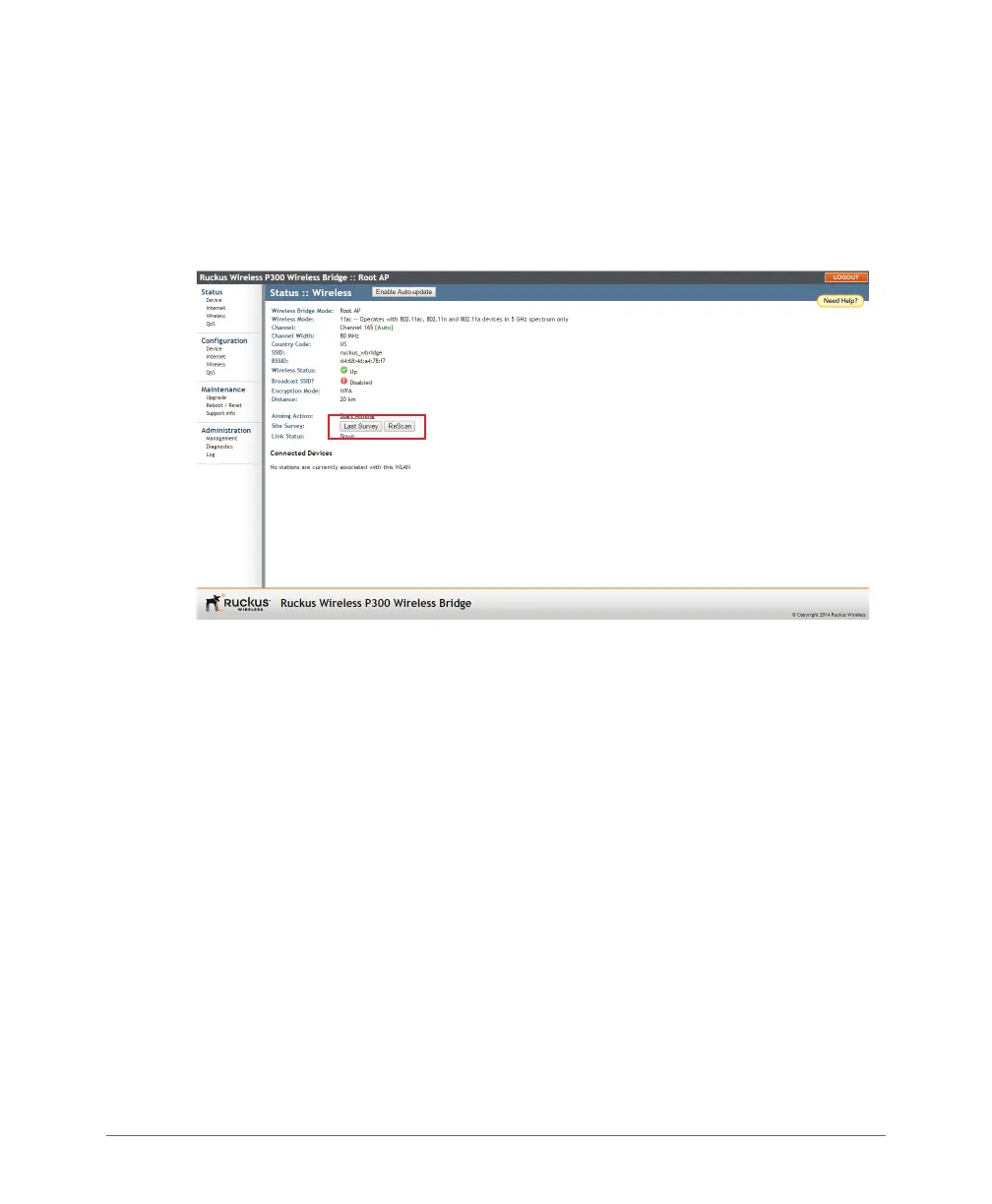
1 go to the Status > Wireless page. The Status > Wireless page appears.
Figure 38. The Status > Wireless page
2 On the Status > Wireless page, click Site Survey: Last Survey or ReScan. The
ZoneFlex P300 Web interface displays a list of nearby wireless devices.



 To Next Page