11
EN
QUICK START
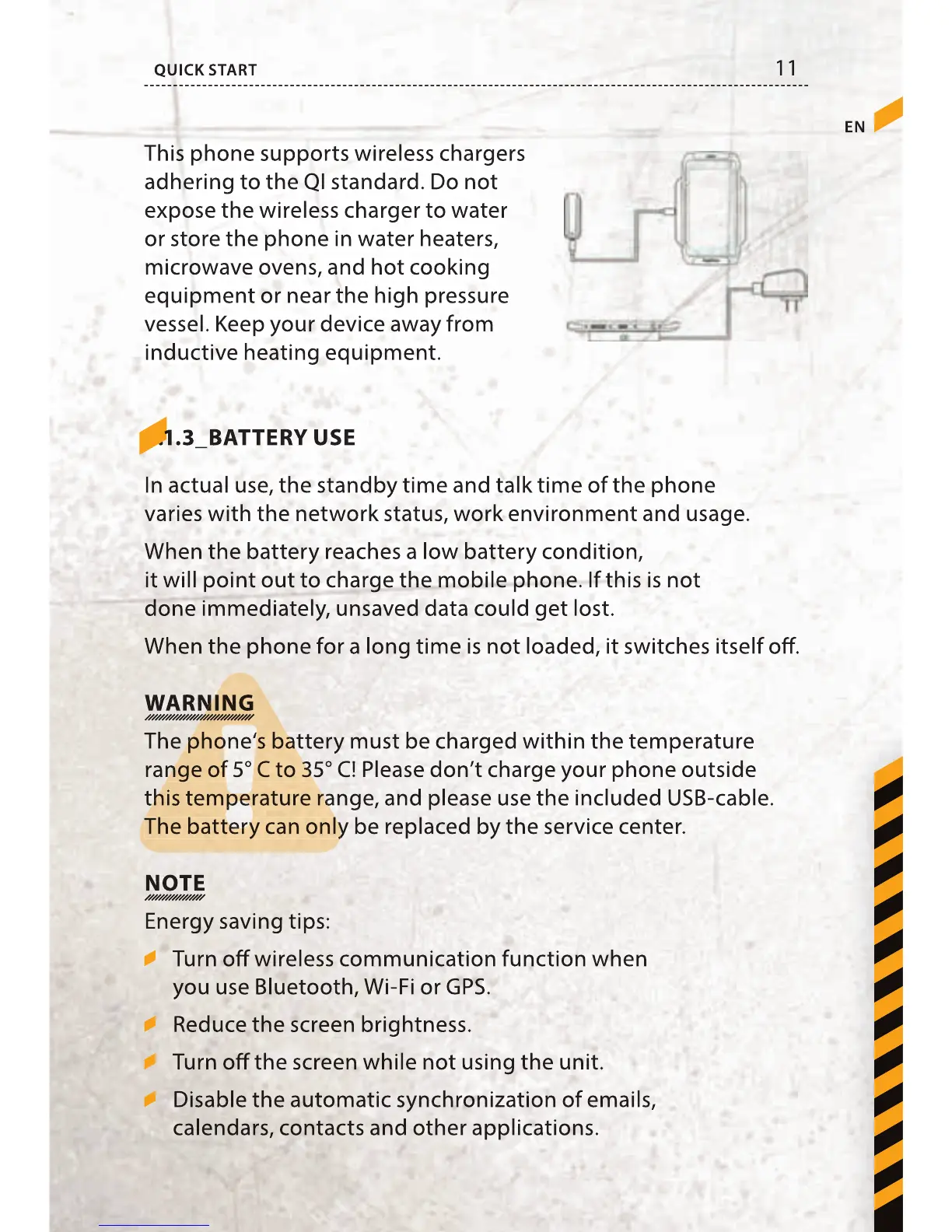
This phone supports wireless chargers
adhering to the QI standard. Do not
expose the wireless charger to water
or store the phone in water heaters,
microwave ovens, and hot cooking
equipment or near the high pressure
vessel. Keep your device away from
inductive heating equipment.
5.1.3_BATTERY USE
In actual use, the standby time and talk time of the phone
varies with the network status, work environment and usage.
When the battery reaches a low battery condition,
it will point out to charge the mobile phone. If this is not
done immediately, unsaved data could get lost.
When the phone for a long time is not loaded, it switches itself o .
WARNING
The phone‘s battery must be charged within the temperature
range of 5° C to 35° C! Please don’t charge your phone outside
this temperature range, and please use the included USB-cable.
The battery can only be replaced by the service center.
NOTE
Energy saving tips:
Turn o wireless communication function when
you use Bluetooth, Wi-Fi or GPS.
Reduce the screen brightness.
Turn o the screen while not using the unit.
Disable the automatic synchronization of emails,
calendars, contacts and other applications.
This phone supports wireless chargers
adhering to the QI standard. Do not
expose the wireless charger to water
or store the phone in water heaters,
microwave ovens, and hot cooking
equipment or near the high pressure
vessel. Keep your device away from
inductive heating equipment.
In actual use, the standby time and talk time of the phone
varies with the network status, work environment and usage.
When the battery reaches a low battery condition,
it will point out to charge the mobile phone. If this is not
done immediately, unsaved data could get lost.
When the phone for a long time is not loaded, it switches itself o .
The phone‘s battery must be charged within the temperature
The phone‘s battery must be charged within the temperature
The phone‘s battery must be charged within the temperature
range of 5° C to 35° C! Please don’t charge your phone outside
range of 5° C to 35° C! Please don’t charge your phone outside
range of 5° C to 35° C! Please don’t charge your phone outside
this temperature range, and please use the included USB-cable.
this temperature range, and please use the included USB-cable.
this temperature range, and please use the included USB-cable.
this temperature range, and please use the included USB-cable.
The battery can only be replaced by the service center.
The battery can only be replaced by the service center.
The battery can only be replaced by the service center.
Turn o wireless communication function when
you use Bluetooth, Wi-Fi or GPS.
Reduce the screen brightness.
Turn o the screen while not using the unit.
Disable the automatic synchronization of emails,
calendars, contacts and other applications.



 To Next Page