EasyManua.ls Logo

Ruijie RG-ES100 Series - User Manual

Ruijie RG-ES100 Series
41 pages
Print Icon
To Next Page IconTo Next Page
Loading...
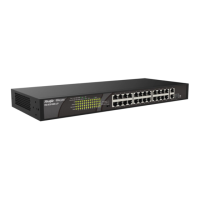
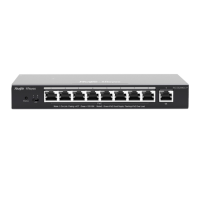
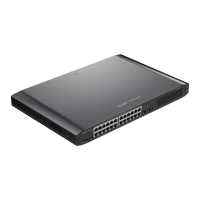
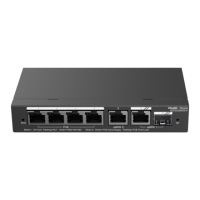
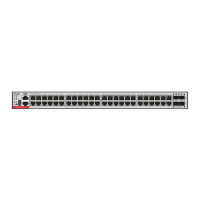
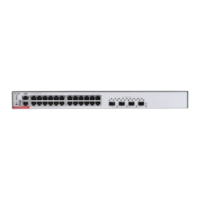
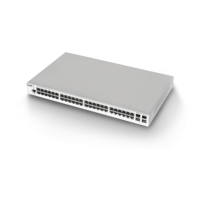
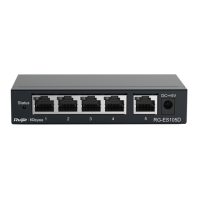
Ruijie RG-ES100 Series Switches
Hardware Installation and Reference Guide V1.0

Questions and Answers

  • J
    Jonathon FlowersAug 9, 2025
    What to do if the Ruijie RG-ES100 RJ45 port is not in connectivity?
    • A
      amy44Aug 9, 2025
      If the Ruijie Switch RJ45 port is not in connectivity, it could be due to a faulty twisted pair cable, a cable length exceeding 100m, or a port configuration that doesn't match the connected switch's working mode. Try replacing the twisted pair cable. Also, verify that the port configuration has a common working mode with the connected switch.
  • T
    Tami NicholsAug 26, 2025
    Why the Ruijie RG-ES100 fiber port cannot be connected?
    • W
      wyattchristineAug 26, 2025
      The Ruijie Switch fiber port may not connect due to several reasons: the Rx and Tx ends are connected reversely, the interconnected optical module type does not match, the fiber type is incorrect, or the optical fiber length exceeds the rated length of the optical module. To resolve this, switch the Rx and Tx ends of the optical fiber. If that doesn't work, replace the optical module with a matched type and ensure the optical fiber is of the appropriate type and length.

Ruijie RG-ES100 Series Specifications

General IconGeneral
CategorySwitch
Switch TypeUnmanaged
ManagementUnmanaged
Product SeriesRG-ES100
Ports5, 8, 16, 24
LayerLayer 2
MountingDesktop
Jumbo FrameNo
Power ConsumptionVaries by model
Operating Temperature0°C to 40°C
Storage Temperature-40°C to 70°C
Operating Humidity10% to 90% non-condensing
DimensionsVaries by model
WeightVaries by model

Related product manuals