U11PRO User Manual
Copyright ©2023 Ruko All Rights Reserved.
28
The U11PRO intelligent flight battery has a capacity of 1900mAh, a
rated voltage of 7.6 V, and with charge and discharge management
functions. This battery uses high-energy and large-capacity
batteries to increase the flight time of the Aircraft.
Usage of the Intelligent Battery
Install the Intelligent Flight Battery into the battery compartment
and push it down until you hear a "click" from the battery buckle,
indicating that it pops up and locks. Please make sure the battery is
in place.
Please use the propellers provided by Ruko, and do not mix
propellers of different models.
Please check whether the propeller is installed correctly and
tightly before each flight.
Before each flight, please check and make sure that the
propellers are in good condition.
Ensure that there is no abnormal noise during flight after the
aircraft is powered on.
3.6 Intelligent Flight Battery
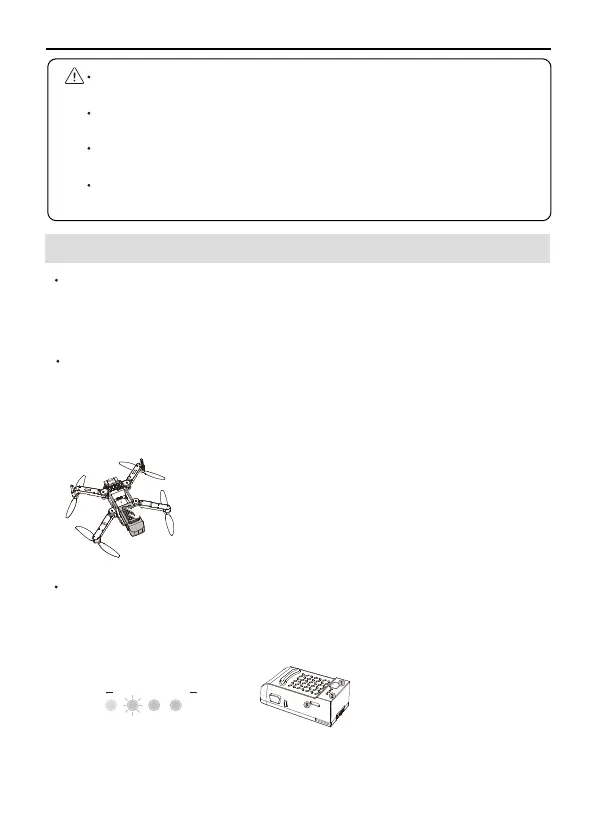
To remove the battery, please press the buckles
on both sides of the battery and pull it out of the
battery compartment.
Checking Battery Level
Press and hold the power button, release the power button after the
indicator light turns on to the fourth and check the current battery
level.
Low Electricity High
①
Power on/off
②
Battery LED Light
③
Type-C charging port
1
3
2



 To Next Page