U11PRO User Manual
Copyright ©2023 Ruko All Rights Reserved.
44
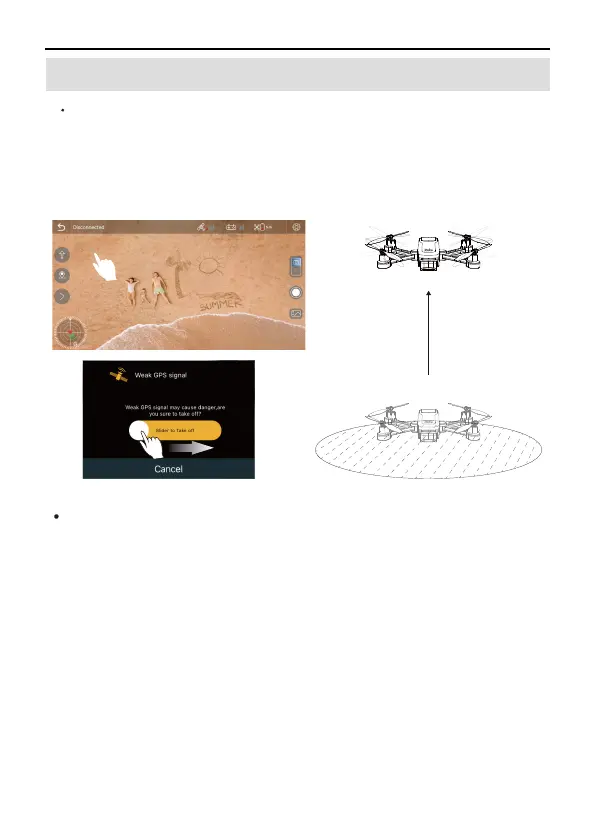
Automatically take-off
Start the motor after confirming the safe take- off conditions.
Click the One- key Takeoff button on Transmitter or enter the
APP and click OK to take off.
6.5 Automatically Take-off / Landing
①
②
The Aircraft will take off automatically and hover at a distance of
1.5m from the ground.
③
Automatically landing
After the Aircraft takes off, the one-key take-off function on the
APP becomes the one-key
landing function, users can choose to use the automatic landing
function:
Confirm the safe landing conditions, enter the APP, click the
One key landing button, confirm to enter the automatic landing,
the drone will automatic land.
The Aircraft landed on the ground and turned off the motors by
itself.
①
②
1.5m



 To Next Page